Disclosure: Some of the links on Daily Digital Reviews are affiliate links. This means that if you click on a link and make a purchase, we may earn a small commission — at no extra cost to you.
AI Dubbing That Keeps Your Voice Intact — But How Much Does It Deliver?
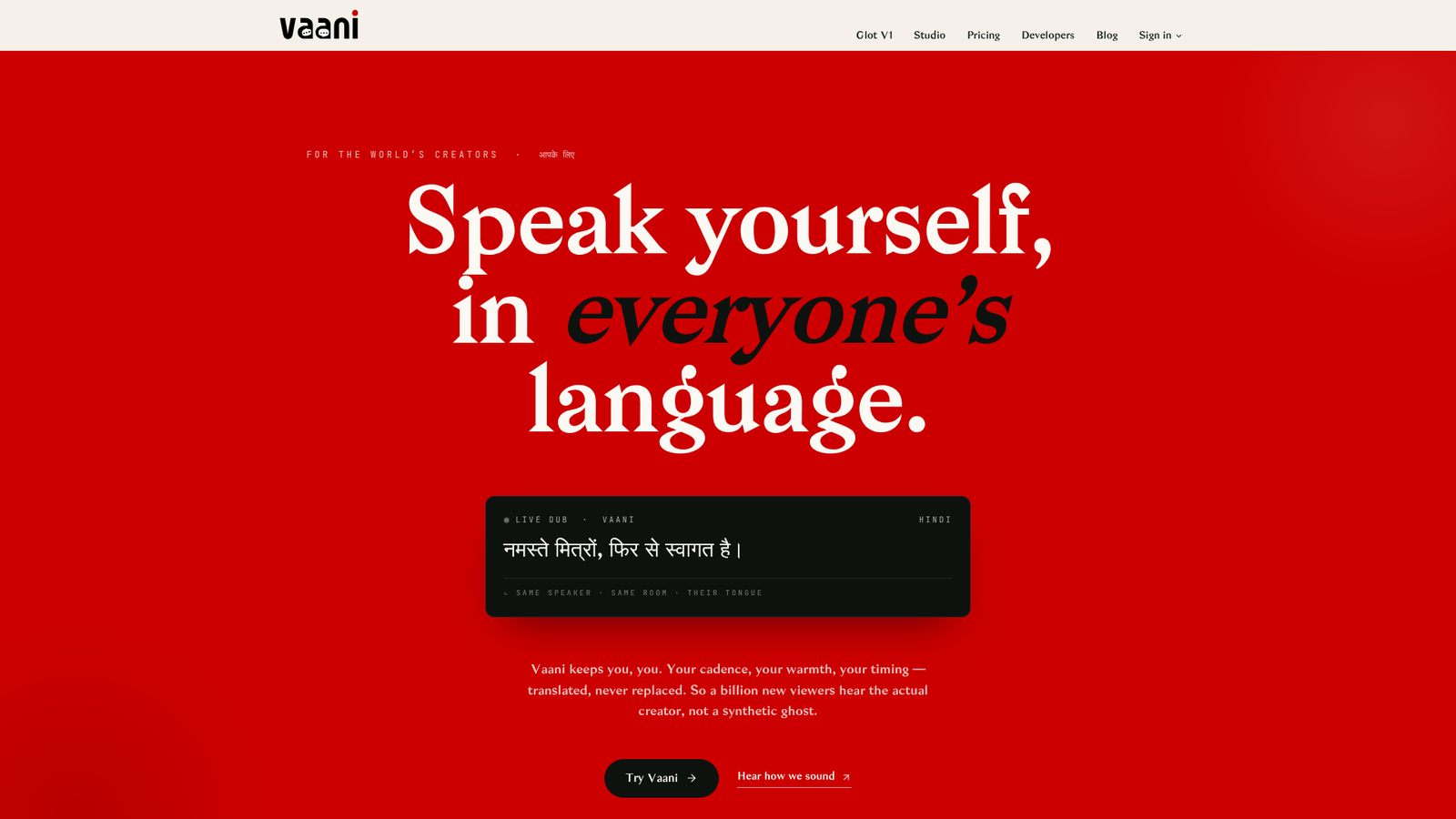
Vaani review searches are picking up, and it’s easy to see why. Localizing video into multiple languages used to mean hiring voice actors, a studio, and a post-production team. AI dubbing tools promise to cut that down to minutes. Vaani — marketed under the brand name VaaniStudio — pitches dubbing into 40+ languages with cloned voices, scene-aware translation, and optional lip-sync. That’s a compelling feature bundle. But with limited third-party reviews available and a product that’s still building its public profile, there’s a real question about whether the claims hold up. I analyzed the vendor’s documentation and pricing pages to give you a clear picture.
Quick Verdict: Vaani.media offers a focused feature set — voice cloning, scene-aware translation, and lip-sync — that’s genuinely relevant for creators and studios who need polished localization. The coin-based pricing model is now publicly documented and reasonably transparent, but the near-total absence of third-party user reviews makes it hard to verify real-world performance. Worth exploring if you need multilingual dubbing with voice identity preserved, but go in knowing the independent validation isn’t there yet.
Overall Rating: 3.1 / 5 ⭐
Feature depth: 3.5/5 · Ease of use: 3.0/5 · Pricing value: 3.0/5 · Trust signals: 3.0/5
What Is Vaani?
Vaani is an AI video localization and dubbing tool, sold under the VaaniStudio brand. It’s aimed at creators, broadcasters, and production studios rather than casual users who just need quick subtitles. The core idea is straightforward: upload a video, and the platform dubs it into another language while keeping the original speaker’s voice character intact through voice cloning. It’s not a generic transcription service. The focus is on production-quality localized video — translated audio that still sounds like the original presenter, optionally paired with lip-sync to make the visual match believable.
Key Features
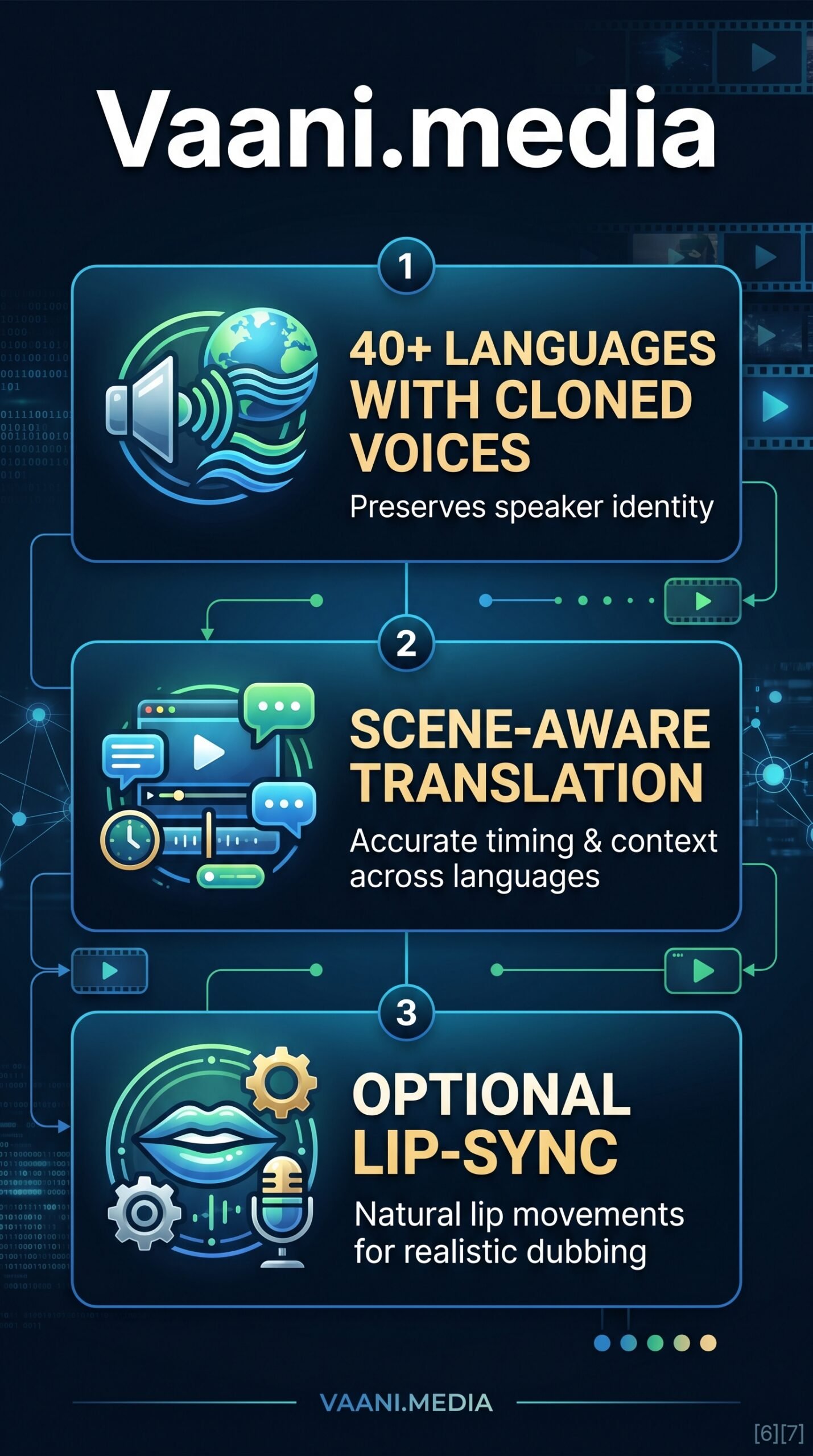
40+ Language Dubbing
The platform supports dubbing into more than 40 languages. This covers a wide enough range to be relevant for global content strategies, though the specific language list isn’t broken out in detail in the available documentation.
Voice Cloning
Rather than replacing your voice with a generic text-to-speech narrator, Vaani clones the original speaker’s voice and uses that timbre for the dubbed output. This matters a lot in practice — dubbed content with a mismatched voice feels disconnected, especially for personal brands or on-camera presenters.
Scene-Aware Translation
This is the feature that sets it apart from simpler dubbing tools. Instead of translating sentence by sentence in isolation, the system reportedly uses surrounding context — visual or narrative — to produce wording that fits the scene. The goal is to reduce stilted, literal translations that technically say the right thing but sound wrong in context.
Optional Lip-Sync
For face-heavy content, lip-sync adjusts the on-screen mouth movements to match the translated audio. Vaani prices this per face-frame rather than by video length, so content with a lot of B-roll isn’t penalized. There’s also a “Perfect Dub” option that bundles dubbing and lip-sync into a single action with a cost preview before you commit.
How Vaani Works
Upload and Scene Detection
Based on the product description, the workflow starts with ingesting a source video. The platform then segments the content into scenes and processes speech within each segment rather than treating the whole video as one block of text.
Translation and Voice Synthesis
The system transcribes the speech, translates it with contextual awareness, then synthesizes the target-language audio using the cloned voice. According to the vendor’s documentation, the same pipeline — vocal isolation, transcription, translation, voice cloning, and master mix — runs on every plan. The tier you’re on changes the cost, not the output quality.
Lip-Sync (Optional)
If you choose lip-sync, the platform counts only frames where a face is on camera and speech overlaps. Silent reaction shots, B-roll, and music segments don’t get billed. The Studio panel shows the exact coin cost before you proceed.
What the Evidence Shows
What the Vendor Claims
Vaani positions VaaniStudio as a production-quality localization tool, not a quick-and-dirty subtitle generator. They claim the same pipeline quality across all paid tiers, with tier pricing affecting cost only. The scene-aware translation claim is especially bold — if it works as described, it addresses one of the most common complaints about AI dubbing tools, which is that translated audio sounds robotic or context-blind.
What Users Report
This is where the picture gets thin. No substantial independent review corpus was found across G2, Capterra, Trustpilot, Product Hunt, or Reddit in the available research data. The company has active social profiles, but social presence doesn’t tell you whether the product performs. The absence of user reviews isn’t necessarily a red flag — the product may be early-stage — but it does mean you can’t rely on community validation right now.
How It Stacks Up Against the Category
In a category that includes Rask AI, HeyGen, Dubverse, Papercup, and ElevenLabs Dubbing, Vaani’s bundled approach — voice cloning plus scene-aware translation plus lip-sync in one workflow — is a reasonable differentiator. Most competitors emphasize one of those features more than the others. The weakness is that Vaani.media lacks the review depth and brand recognition of more established players.
Vaani vs Competitors
Here’s how Vaani compares on documented features and pricing against key players in the AI dubbing space. If you’re also evaluating short-form content tools, check out our Autoshorts AI review or the Repurpose.io review for adjacent use cases.
| Feature | Vaani.media | Rask AI | ElevenLabs Dubbing |
|---|---|---|---|
| Voice cloning | Yes | Yes | Yes |
| Languages supported | 40+ | 130+ | 29+ |
| Lip-sync | Optional (face-frame billing) | Yes (on higher plans) | No native lip-sync |
| Scene-aware translation | Yes (claimed) | Partial | Not specified |
| Free tier | Yes (20 coins, no dub) | Limited free trial | Free tier available |
| Starting paid price | $49/mo | ~$60/mo | ~$22/mo |
| API access | Studio plan and above | Yes | Yes |
Pricing
Vaani uses a coin-wallet model across four paid tiers. The Creator plan is $49/month for 100 coins, with dubbing at 2.0 coins per source minute. The Studio plan — listed as the most popular — is $299/month for 700 coins, dropping the dub rate to 1.65 coins/min and adding API access and 5 team seats. The Broadcast plan is $1,499/month for 4,000 coins at 1.5 coins/min, with named support and 15 team seats. Enterprise is custom-priced. There’s also a free signup that gives you 20 one-time coins — enough to explore the Studio interface but not enough to run a full dub. Visit vaani.media/pricing for current plan details.
Pros and Cons
Pros
- Voice cloning preserves speaker identity across languages — a real differentiator versus generic TTS dubbing
- Scene-aware translation targets one of the most common failure points in AI dubbing
- Face-frame billing for lip-sync is fairer than flat per-minute pricing for content with mixed footage types
- Same pipeline quality across all tiers — you’re not getting a worse dub on a cheaper plan
- Free signup with 20 coins lets you explore the interface without a credit card
Cons
- 40+ languages is solid but trails some competitors that cover 100+ languages
- Lip-sync and full dubbing are locked behind paid plans even on the free tier
Who Should Use Vaani?
Vaani makes the most sense for content creators who publish regularly in one language and want to expand reach without re-recording everything. It also fits small production studios that handle localization for clients and need voice identity to carry across languages. OTT platforms and broadcasters with high-volume needs are clearly the target for the Broadcast and Enterprise tiers.
It’s probably not the right fit if you need more than 40 languages, want deep community validation before buying, or are working with a very tight budget — ElevenLabs Dubbing starts lower if raw voice quality is your only priority. Also check our Reppit AI review if your focus is social content repurposing rather than full localization.
Vaani Main Facts
FAQ
What is Vaani used for?
Vaani is an AI dubbing tool that converts video into 40+ languages using cloned voices and scene-aware translation. It’s built for creators, broadcasters, and studios who need localized video that still sounds like the original presenter.
How does the coin pricing work?
Every action — dubbing, lip-sync, or Perfect Dub — uses coins from a single wallet. Dub is charged per source minute at a rate that depends on your tier (1.5–2.0 coins/min). Lip-sync is billed per face-frame, so B-roll and silent footage don’t count. You can preview the exact cost before confirming any action.
Is there a free plan?
Yes. Signing up gives you 20 coins with no credit card required. However, dubbing and lip-sync are gated to paid plans — the free coins are enough to access the Studio interface and explore the workflow, not to run full dubs.
How does Vaani.media compare to Rask AI?
Both offer voice cloning and multilingual dubbing. Rask AI covers more languages (130+) and has more established third-party reviews. Vaani.media’s differentiator is its explicit scene-aware translation and face-frame lip-sync billing, which may offer better cost efficiency for mixed-format content.
Final Verdict
Vaani has a well-thought-out feature set. Voice cloning plus scene-aware translation plus lip-sync, all in one workflow, is exactly what serious localization work demands. The coin-based pricing model is transparent once you read through it, and the face-frame billing for lip-sync is a smarter approach than flat per-minute charges. What’s missing is independent proof. There are no G2 scores, no Reddit threads, no Capterra ratings to cross-check the vendor’s claims. That doesn’t mean the product fails to deliver — it means you’re taking more of a leap than you would with Rask AI or ElevenLabs. If you’re a creator or studio willing to pilot-test before committing at scale, the free signup is a reasonable starting point.
Review Methodology
This review is based on analysis of the vendor’s official documentation, pricing pages, and product feature descriptions on vaani.media, combined with available user signals and platform profiles gathered from social sources and search results. No hands-on testing was conducted. Independent user reviews were not available in sufficient volume to include in the analysis.