Disclosure: Some of the links on Daily Digital Reviews are affiliate links. This means that if you click on a link and make a purchase, we may earn a small commission — at no extra cost to you.
AI Video Generation Has a Crowded Field — Where Does Runway Fit?
Runway review searches are up for good reason: AI video tools are multiplying fast, and it’s hard to know which ones actually deliver. I’ve analyzed Runway’s full feature set, pricing pages, and user reports to give you a clear picture. This isn’t a one-trick clip generator. Runway positions itself as a full creative platform — video generation, image generation, audio tools, and editing, all in one place. That’s an ambitious claim. Let’s see if the evidence backs it up.
Quick Verdict: Runway is one of the most full-featured AI creative platforms available right now, with multiple video models, image generation, audio tools, and a unified editing workspace. The free tier is a genuine low-risk entry point, but serious use pushes you into paid plans quickly, and credit-based pricing can feel unpredictable for heavy users.
Overall Rating: 4 / 5 ⭐
Feature depth: 4.5/5 · Ease of use: 4/5 · Pricing value: 3.5/5 · Trust signals: 4/5

What Is Runway?
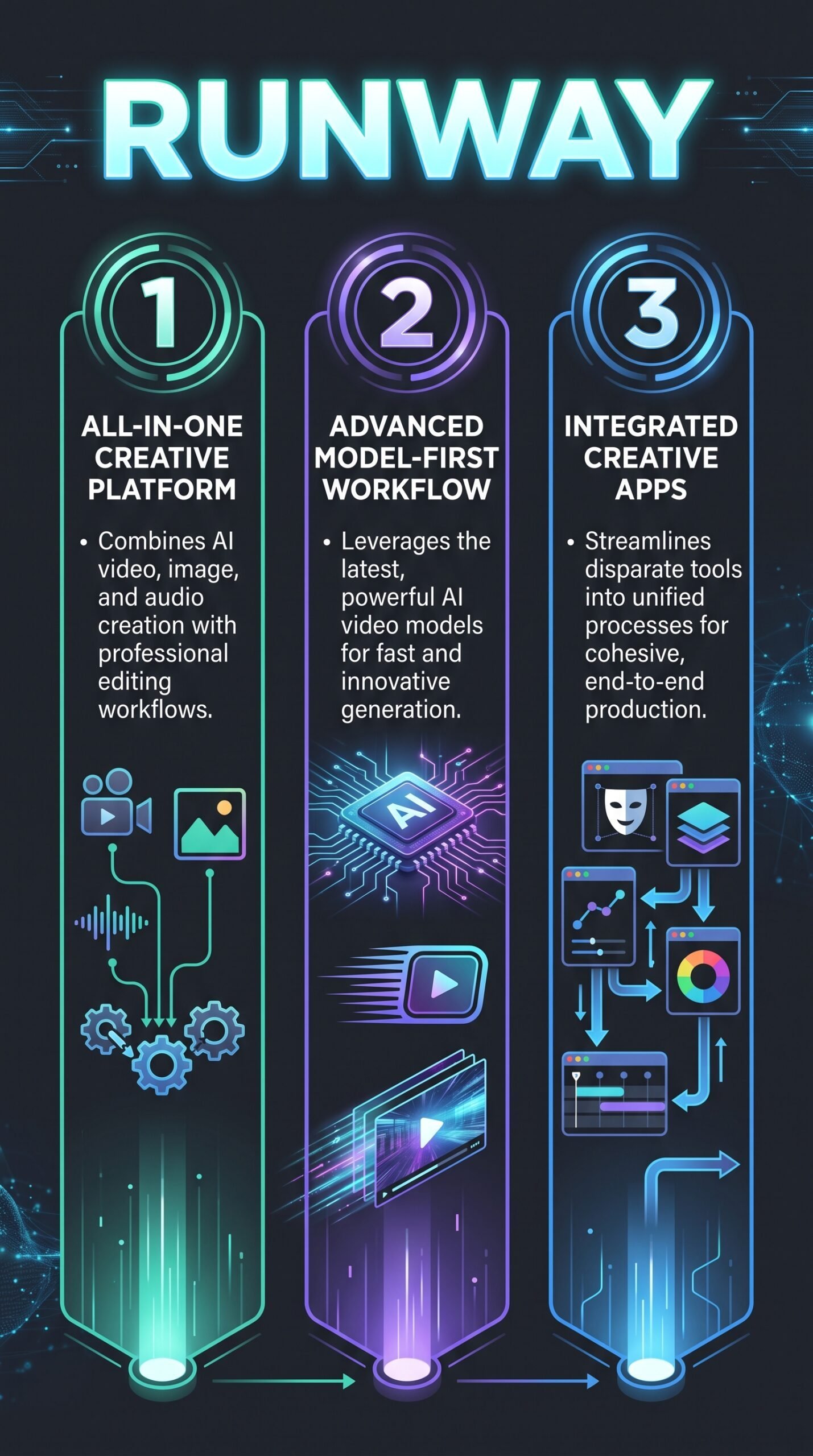
Runway is an AI-powered creative platform built around generative video, but it goes well beyond that. It combines text-to-video, image-to-video, AI image generation, audio tools, and editing workflows into one workspace. The platform is aimed at individual creators, social media teams, marketers, and production-minded users who want more than just a simple prompt-to-clip tool. Their docs describe it as a unified environment where image, video, audio, editing, and language models all live together — which is a meaningful distinction from narrower competitors.
Key Features
Video Generation
This is Runway’s flagship offering. The platform supports text-to-video and image-to-video generation across multiple models, including Gen-4, Gen-4.5, Aleph 2.0, and Seedance 2.0 Pro and Fast. Each model has its own credit cost and output characteristics. Gen-4.5, for example, uses 60 credits per 5-second video clip and is positioned as a high-quality output option. Seedance 2.0 Fast trades some fidelity for speed at 116 credits per 4-second clip.
AI Image Generation
Runway also includes image generation through models like Gen-4 Image and Nano Banana Pro at various resolutions. These are usable across paid plans, with Standard-tier users getting access to all image and video models including Gen-4.5 and Kling 3.0. The image tools integrate directly into the same workspace as video, which makes moving between formats easier.
Audio Tools
The Pro plan and above unlock audio-specific capabilities including custom voice creation for lip sync, text-to-speech, and access to models like Seed Audio 1.0 and Lyria 3 for music generation. Standard plan users don’t get the full audio suite, which is worth knowing before you pick a tier.
Turbo Modes and Workflow Integration
Runway offers faster, lower-credit generation modes for users who want quicker iteration. Gen-4 Turbo uses fewer credits per second than standard Gen-4.5 runs. The platform also includes 4K upscaling (Standard and above) and Topaz AI Upscale on Pro and Max plans, keeping post-production inside the same environment.
How Runway Works
Credit-Based Generation
Everything runs on credits. Each model charges a set number of credits per generation, based on the model chosen, video duration, and resolution. Gen-4.5 costs 12 credits per second of generated video according to the FAQ on the pricing page. The free plan gives you 125 one-time credits to explore. Paid plans reset credits monthly, though on the Max plan, unused credits roll over for one month.
Model Selection and Plan Access
Model access scales with your plan. Standard users get all AI image and video models. Pro users add the full audio suite and 500GB of storage. Max users get first access to new models, the highest credit volume (9,500/month), and credit rollover. If you run out mid-month, you can buy additional credits in blocks of 1,000 minimum from your billing dashboard.
What the Evidence Shows
What Runway Claims
Runway’s official materials emphasize the breadth and quality of its model lineup. They pitch it as an all-in-one creative suite, not just a video generator. The pricing page states the platform is trusted by 60M+ creators — a figure pulled directly from their site. They position the credit system as flexible, letting users choose between speed and quality based on the model they pick.
What Users Report
User sentiment skews positive around output quality and workflow convenience. Reviews consistently mention realistic motion and strong visual results from the newer models. The convenience of generating, editing, and iterating inside one workspace gets called out as a genuine time-saver. That said, criticism is consistent too: credits run out faster than expected, higher-tier plans get expensive for heavy users, and new users sometimes find the platform’s breadth overwhelming compared with simpler tools.
How It Stacks Up Against the Category
Among AI video platforms, Runway stands out for breadth rather than being the cheapest or simplest option. Most competitors focus on a single generation style or workflow. Runway’s multi-model approach, combined with audio and editing tools, puts it in a different category from single-purpose generators. For users who need an end-to-end creative workflow, that’s a real advantage. For someone who just wants a quick clip, it may be more than they need. You can also check our Suno review and HeyGen review if audio or avatar video is your main focus.
Runway vs Competitors
| Feature | Runway | Pika | Luma Dream Machine | Kling AI |
|---|---|---|---|---|
| Text-to-video | Yes | Yes | Yes | Yes |
| Image-to-video | Yes | Yes | Yes | Yes |
| AI image generation | Yes | Partial | Yes | Yes |
| Audio / music tools | Yes (Pro+) | No | No | No |
| Free tier | Yes (125 credits) | Yes | Yes | Yes |
| Starting paid price | $12/mo (annual) | Varies | Varies | Varies |
Pricing
Runway’s free plan gives you 125 one-time credits with no credit card required — enough to test a few generations. Paid plans on annual billing are Standard at $12/month, Pro at $28/month, and Max at $76/month. Audio tools only unlock at Pro and above. Enterprise pricing is custom. Unused credits only roll over on the Max plan. You can also buy additional credits from your dashboard in blocks of 1,000 minimum. For the latest pricing, visit Runway’s official site.
| Plan | Monthly billing | Credits included | Main use |
|---|---|---|---|
| Free | $0/month | 125 one-time credits | Testing Runway’s AI tools |
| Standard | $15/month | 625 credits/month | Occasional video and image creation |
| Pro | $35/month | 2,250 credits/month | Regular content creation and professional projects |
| Max | $95/month | 9,500 credits/month | High-volume video production. Unused credits roll over for 1 month. |
Pros and Cons
Pros
- Strong video generation quality across multiple models, including Gen-4.5 and Seedance 2.0
- Genuinely broad creative suite — video, image, audio, and editing in one workspace
- Free tier requires no credit card and gives enough credits to test the platform properly
- Multiple subscription tiers make it usable across different usage levels
- Max plan includes credit rollover, which eases the pressure of monthly resets
Cons
- Credit-based pricing is complex and credits can run out faster than expected
- Heavy use at Pro or Max tiers gets expensive quickly
- The platform’s breadth can feel overwhelming for users who just want simple, fast clips
Who Should Use Runway?
Runway works best for creators and small teams who want a full AI creative pipeline, not just a clip generator. If you’re producing social media content, short films, marketing videos, or concept art that needs both generation and editing, Runway fits well. Marketers who need consistent visual output across video and image formats will find the unified workspace genuinely useful.
It’s also a reasonable choice if you want access to the latest AI video models — the Max plan gives first access to new model releases. If you’re curious about AI audio generation alongside video, check our ElevenLabs review for a comparison of the audio side specifically.
On the other hand, if you just want one or two quick video clips per month and don’t need editing tools, Runway may be more than you need. Simpler, cheaper tools like Pika or Luma Dream Machine might suit occasional use better. And if budget is the primary constraint, the free tier’s 125 credits won’t last long with heavy generation.
Runway Main Facts
FAQ
Is Runway free to use?
Yes. Runway has a free plan that includes 125 one-time credits with no credit card required. These credits don’t expire, but they won’t go far with high-quality models. Most meaningful use pushes users into a paid plan.
How do Runway credits work?
Credits are spent each time you generate an image, video, or audio output. The number of credits used depends on the model, duration, and resolution. For example, the pricing page shows Gen-4.5 uses 12 credits per second of generated video. Paid plans include a monthly credit allotment that resets each billing cycle.
What’s the difference between Runway’s plans?
Standard ($12/month annual) gives 625 credits and access to all models but no audio tools. Pro ($28/month annual) adds 2,250 credits, full audio tools, and 500GB storage. Max ($76/month annual) gives 9,500 credits, credit rollover, and first access to new models.
Does Runway work for beginners?
The free tier makes it accessible to test, and user reports suggest the interface is manageable once you understand the credit system. That said, users who want something simple and fast note that Runway’s breadth can feel like a learning curve compared with simpler generators.
Final Verdict
Runway is genuinely one of the strongest AI creative platforms in the market right now. The feature set is wide, the model lineup is current, and the unified workspace is a real advantage if you’re doing more than just generating quick clips. The free tier is a low-risk way to check if it fits your workflow. The main sticking points are cost and complexity: the credit system requires active management, and heavy use on higher tiers isn’t cheap. If you’re a creator or small team that wants AI video generation with serious creative tools around it, Runway is worth trying. If you only need occasional clips and want to keep things simple, a more focused competitor might serve you better.
Review Methodology
This review is based on analysis of Runway’s official documentation, pricing pages, and feature set, combined with user reports gathered from public review platforms and community discussions. No hands-on testing was conducted. All pricing figures are drawn directly from Runway’s scraped pricing page data.