Disclosure: Some of the links on Daily Digital Reviews are affiliate links. This means that if you click on a link and make a purchase, we may earn a small commission — at no extra cost to you.
AI Video Generation Just Got More Complicated — and More Capable
Kling 3.0 review searches are spiking in 2026, and it’s easy to see why. The AI video space is crowded, and most tools still treat audio as an afterthought — you generate a silent clip, then bolt on sound. Kling 3.0 takes a different approach. It’s built around a unified multimodal pipeline where video and audio generate together, not separately. That’s the pitch, anyway. I looked at the vendor’s documentation, pricing pages, and available user feedback to figure out whether it actually delivers — or whether it’s just marketing noise.
Quick Verdict: Kling 3.0 is one of the most feature-rich AI video tools available right now, combining text-to-video, motion transfer, multi-shot sequencing, and native audio sync in a single workspace. The output quality and workflow depth are genuinely impressive, but the credit-based pricing is complex and costs can add up fast depending on resolution and clip length.
Overall Rating: 4.1 / 5 ⭐
Feature depth: 4.5/5 · Ease of use: 3.5/5 · Pricing value: 4.0/5 · Trust signals: 4.5/5
What Is Kling 3.0?
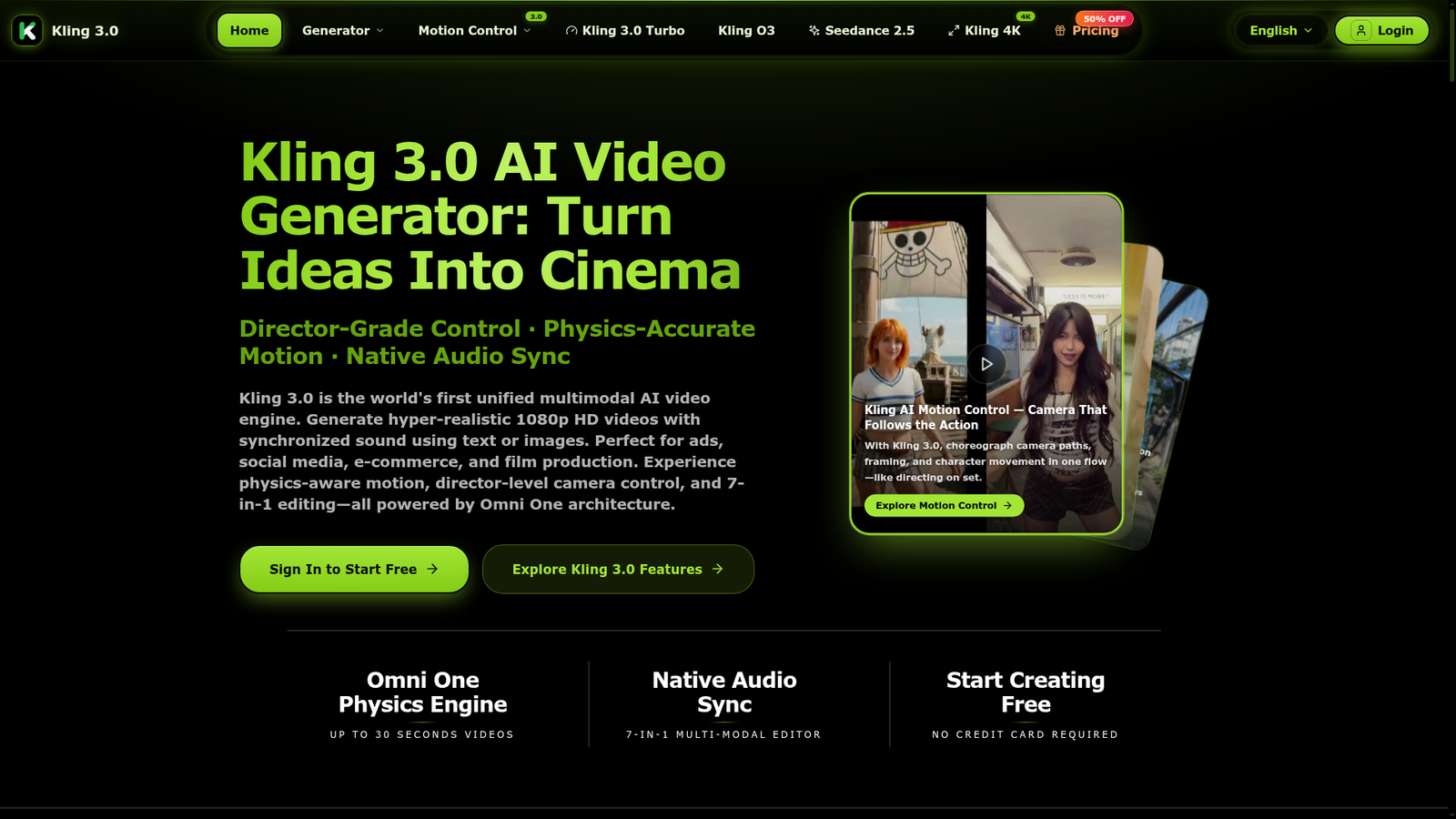
Kling 3.0 is an AI video generation platform built by Kuaishou Technology. It sits in the premium tier of the AI video category, aimed at creators, studios, and professionals who want cinematic-quality short clips rather than quick social media scraps. The core idea is a unified multimodal engine — one architecture handling video, audio, and image generation together. It supports text-to-video, image-to-video, video-to-video, motion transfer, lip-sync, extend, and retake, all within the same workspace. Third-party guides describe it as one of the most advanced AI video models available in 2026, and the feature list makes that case pretty convincingly.
Key Features
Unified Multimodal Generation
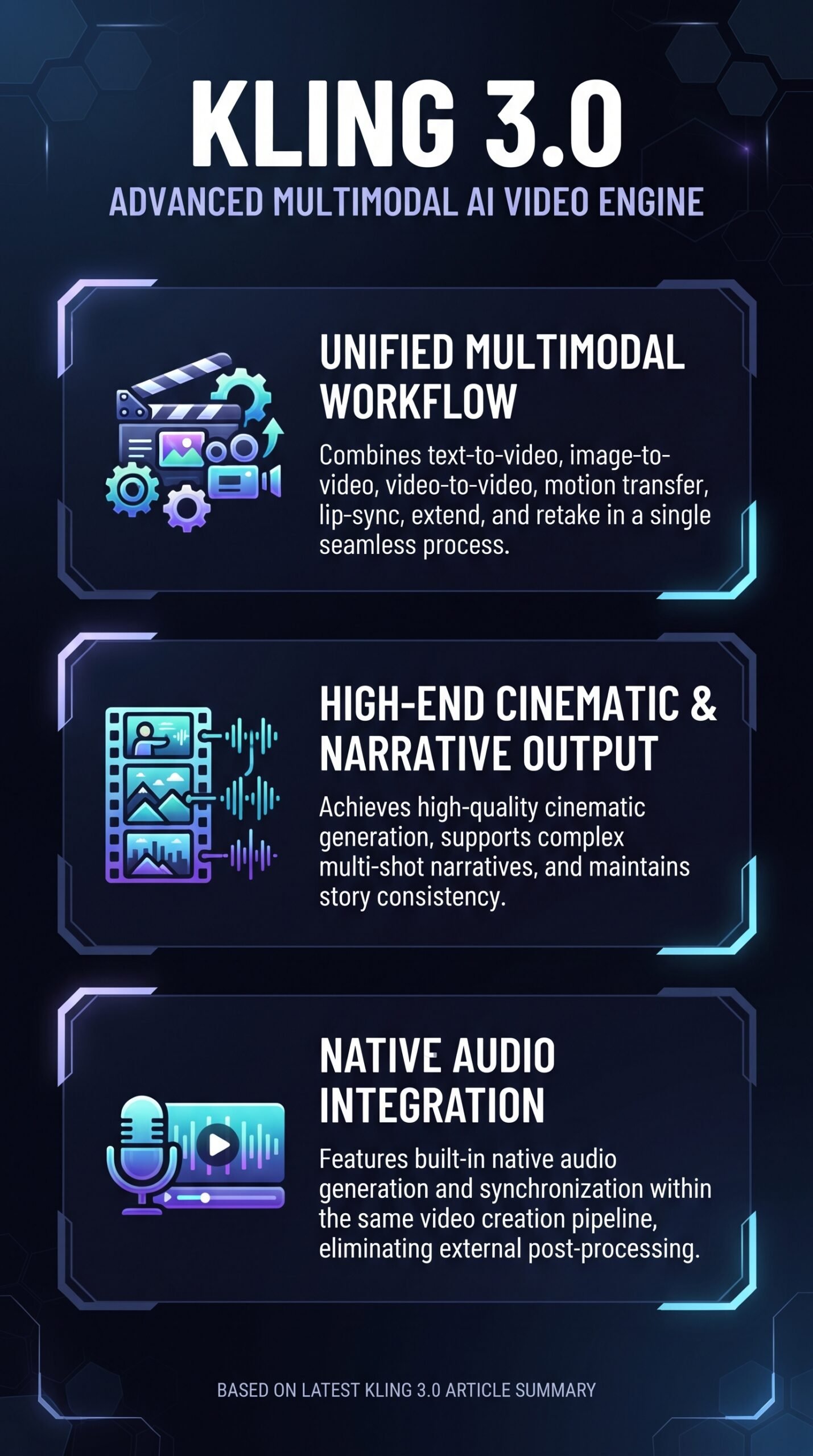
Rather than generating a silent video and adding audio as a separate step, Kling 3.0 generates visuals and audio together in what the platform describes as a single forward pass. This matters most for lip-sync and dialogue timing — the audio isn’t guessing where the mouth movements are, it’s generated alongside them. Supported languages include English, Chinese, Japanese, Korean, and Spanish.
Multi-Shot Sequences
One of the more unusual capabilities here is multi-shot narrative generation — up to six connected shots in a single session. Most AI video tools generate isolated clips. Kling 3.0’s multi-shot mode is designed to maintain character identity and scene coherence across those shots, which is a meaningful step toward usable short-form storytelling.
Motion Transfer and Motion Control
Motion transfer lets you apply the movement pattern from a reference video onto a different character or scene. The platform also offers dedicated Motion Control tools for camera and character motion. These features are documented across both the vendor’s own pages and third-party creator guides, and they’re consistently highlighted as differentiators for brand spots and storyboarding work.
Output Quality and Resolution
The platform advertises native 1080p output with audio sync across paid plans. 4K output is available through specific model variants (Kling 4K), with 16-bit HDR and EXR export listed as a feature on higher tiers. Clip length goes up to 15 seconds, with generation up to 30 FPS depending on model and settings. A Draft Mode is also available for rapid iteration without burning through premium credits.
How Kling 3.0 Works
Input Options
According to the vendor’s documentation, you can start from a text prompt, an image, or an existing video clip. Text-to-video and image-to-video are the most common entry points. From there, you choose the model variant — Turbo, Lite, Fast, Base, or Pro — which determines speed, resolution, and credit cost.
Generation and Iteration
Once generated, clips can be extended, retaken, or fed back into the pipeline for motion transfer or shot continuation. The multi-shot mode chains scenes together while preserving character and setting. Draft Mode sits at the lower end of the credit cost ladder and is designed for fast previewing before committing to a full-quality generation.
Audio Integration
Audio generation happens in the same pipeline as the video, not as a post-processing layer. Lip-sync, environmental sound, and synchronized dialogue are part of the output, not an add-on. The vendor’s FAQ confirms that all plans include access to native audio generation.
What the Evidence Shows
What the Vendor Claims
Kling 3.0 is positioned as a director-grade creation tool. The platform’s materials emphasize temporal coherence, character consistency, and cinematic motion as core strengths. They describe the unified architecture as a fundamental advantage over tools that separate audio and video generation. The pricing page confirms that all plans share one credit pool and that failed generations don’t deduct credits — both transparent and useful disclosures.
What Users Report
User sentiment, based on editorial commentary and available reviews, skews positive on output quality. Recurring praise focuses on motion realism, strong prompt adherence, and the convenience of having audio, visuals, and editing controls in one place. Character consistency across shots is also frequently mentioned as a genuine strength. The criticisms that come up most often are credit cost management and the fact that plan tier affects what you can actually access — longer clips, higher resolution, and audio features cost more credits and may require a higher subscription.
How It Stacks Up Against the Category
In the AI video space, Runway and Luma Dream Machine are the most direct comparisons for creator-focused workflows. Kling’s combination of native audio generation and multi-shot continuity is a notable edge over both. Veo 3.1 and PixVerse 5.5 are credible alternatives at the high end, but Kling’s breadth of workflow tools — motion transfer, lip-sync, extend, retake — makes it more integrated than most. You can read our Runway review for a direct comparison of that platform’s approach.
Kling 3.0 vs Competitors
| Feature | Kling 3.0 | Runway Gen-3 | Luma Dream Machine | Google Veo 3.1 |
|---|---|---|---|---|
| Native audio generation | Yes | No | No | Yes |
| Multi-shot sequencing | Yes (up to 6 shots) | Partial | No | Partial |
| Motion transfer | Yes | Partial | No | No |
| 4K output | Yes (Kling 4K model) | No | No | Partial |
| Starting price (monthly) | ~$29.90/mo (Pro) | ~$12/mo | ~$9.99/mo | Limited access |
For a closer look at how CapCut’s video editing tools compare for post-production workflows, see our CapCut review. And if you’re evaluating AI video alongside broader creative workflows, the DaVinci Resolve review covers the professional editing side of the equation.
Pricing
Kling 3.0 runs on a credit-based model. The pricing page lists four subscription tiers: Pro at $29.90/month (1,520 credits), Max at $59.90/month (3,600 credits), and Ultra at $99.90/month (8,000 credits) — these are listed as 50% off promotional prices, with original prices at $59.80, $119.80, and $199.80 respectively. A Basic tier also exists with 360 credits per month. One-time credit packs are available separately, ranging from a Starter Pack at 800 credits to an Ultra Pack at 28,000 credits. Credit costs vary significantly by model, resolution, and clip length. Failed generations don’t deduct credits.
Pricing note: The monthly prices shown reflect the current promotional offer, and may end or change in the future. For the most current rates, visit the Kling 3.0 pricing page directly.
| Plan | Current promotion monthly price | Actual monthly price | Annual billing equivalent | Total annual price | Monthly credits |
|---|---|---|---|---|---|
| Kling 3.0 Pro | $29.90 | $59.80 | $20.67/ month | $248 | 1,520 |
| Kling 3.0 Max | $59.90 | $119.80 | $47.92/ month | $575 | 3,600 |
| Kling 3.0 Ultra | $99.90 | $199.80 | $79.92/ month | $959 | 8,000 |
Pros and Cons
Pros
- Native audio and lip-sync generation in the same pipeline as video — not an afterthought
- Multi-shot sequencing up to six connected scenes with character consistency
- Motion transfer lets you apply movement from a reference video to new subjects
- Wide range of model variants — from Turbo for fast drafts to 4K for high-end output
- All plans share one credit pool, so you can mix and match models freely
Cons
- Credit-based pricing is complex and costs can escalate quickly at higher resolutions
- Max standard clip length is 15 seconds and 30 seconds on extended/supported generation— not enough for anything beyond short-form content
- Feature access varies by plan tier, meaning some capabilities are locked behind higher subscriptions
Who Should Use Kling 3.0?
Kling 3.0 makes the most sense for creators who need short cinematic clips with synchronized audio — think brand spots, concept scenes, social content with dialogue, or storyboard-quality previews. If you’re a solo creator or small studio producing consistent short-form video, the Pro or Max tier gives you a solid monthly credit allowance at a manageable cost per video.
It’s also a strong fit for anyone who needs motion transfer or multi-shot continuity — capabilities that are either absent or partial in most competing tools. Agencies handling volume output will find the enterprise tier and credit management features worth exploring.
If you just need basic AI video clips without audio, or you want longer-form content beyond 15 seconds, Kling 3.0 is probably overkill. Tools like Luma Dream Machine come in cheaper for simpler use cases. And if you’re primarily doing post-production editing rather than generation, a tool like DaVinci Resolve is a better fit entirely.
Kling 3.0 Main Facts
Frequently Asked Questions
Does Kling 3.0 generate audio automatically?
Yes. Native audio generation — including synchronized dialogue and environmental sound — is built into the core pipeline and included on all paid plans, not sold as a separate feature. Multiple languages are supported, including English, Chinese, Japanese, Korean, and Spanish.
How long can generated videos be?
Clip generation goes up to 15 seconds per clip. Multi-shot mode allows up to six connected shots in a single session, which extends the total narrative length, but each individual clip is still capped at 15 seconds.
What happens if a generation fails?
According to the vendor’s FAQ, credits are not deducted if a video generation fails. This is confirmed directly on the pricing page.
Can I cancel my subscription?
Yes. The platform offers self-service cancellation through the Billing page via Stripe or Creem portal access. Refund requests are handled by contacting support, with a stated 24-hour response time.
Final Verdict
Kling 3.0 is a serious tool for creators who want cinematic AI video with real audio integration. The unified multimodal pipeline, multi-shot sequencing, and motion transfer capabilities put it ahead of most competitors on workflow depth. The output quality reports from users back up the vendor’s claims on motion realism and character consistency.
The main friction is pricing complexity. The credit system takes some time to understand, and costs at higher resolutions or longer sessions add up. If you’re doing casual experimentation, the credit burn might frustrate you. But if you’re producing short-form video content professionally and want a tool that handles audio and visuals together, Kling 3.0 is worth serious consideration — it’s among the most capable options in the category right now.
Review Methodology
This review is based on analysis of the vendor’s documentation, pricing pages, and feature set, combined with user reports and editorial commentary gathered from third-party creator guides and platform review sources. This is desk research, not hands-on testing.