Disclosure: Some of the links on Daily Digital Reviews are affiliate links. This means that if you click on a link and make a purchase, we may earn a small commission — at no extra cost to you.
The Problem With Juggling Multiple Post-Production Apps
DaVinci Resolve gets brought up every time someone asks about the best free video editing software — and for good reason. Most editors know the frustration of cutting in one app, grading in another, and bouncing audio to a third. That workflow costs time and introduces errors at every handoff. Resolve’s pitch is simple: do all of it in one place, for free, at a professional level. That’s a bold claim, and I wanted to look closely at whether the reality holds up.
Quick Verdict: DaVinci Resolve is one of the most capable post-production tools available at any price. The free version is genuinely useful — no watermark, no time limit — and the $295 Studio upgrade is a one-time cost rather than a subscription. The main catch is a real learning curve, especially for new editors coming from simpler tools.
Overall Rating: 4.8 / 5 ⭐
Feature depth: 5/5 · Ease of use: 4/5 · Pricing value: 5/5 · Trust signals: 5/5
What Is DaVinci Resolve?
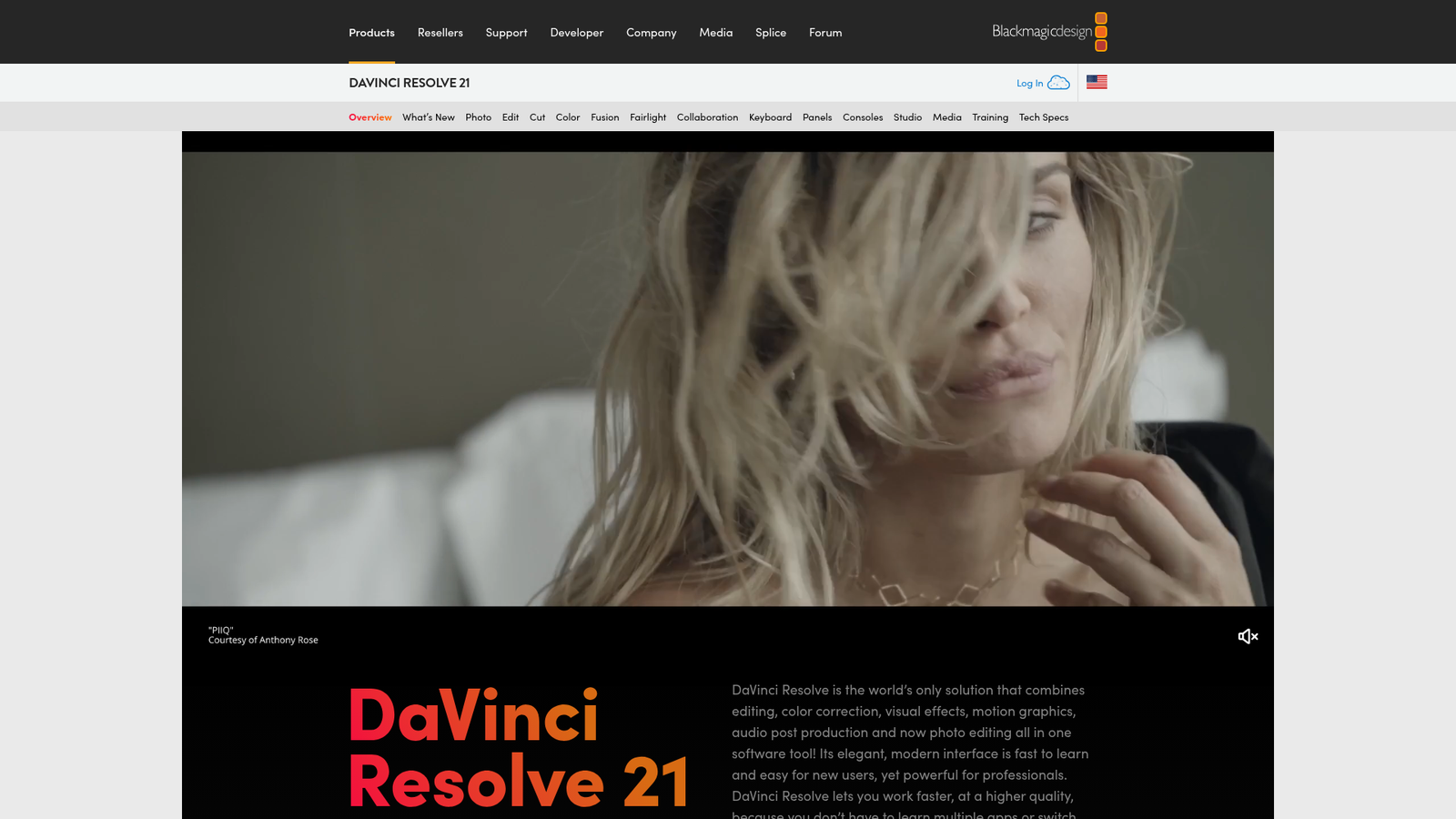
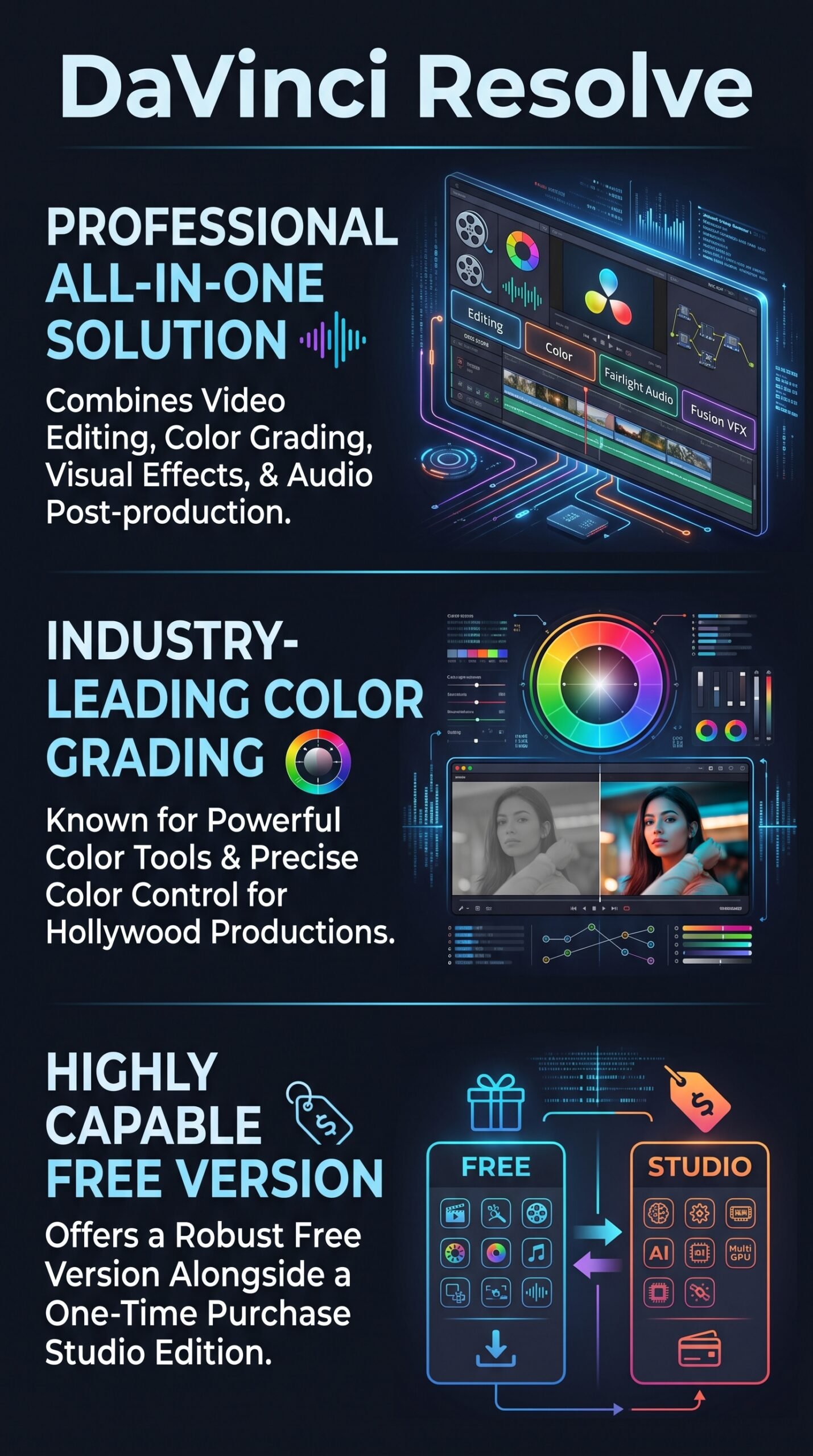
DaVinci Resolve is a professional post-production application developed by Blackmagic Design. It combines non-linear video editing, color grading, node-based visual effects, motion graphics, and audio post-production in a single application. It’s available on Mac, Windows, and Linux, and it’s used across the full spectrum — from YouTube creators to Hollywood feature films and broadcast television.
The software comes in two editions. The free version is a fully functional tool, not a capped trial. The paid tier, DaVinci Resolve Studio, is a one-time $295 purchase that unlocks advanced AI features, higher resolutions, and more intensive processing capabilities. That pricing model alone sets it apart from most professional software in this category.
Key Features
Color Page
This is where Resolve built its reputation. The color page is described by Blackmagic Design as Hollywood’s most advanced color corrector, and it’s used on more high-end feature films and television shows than any competing system, according to the company. It uses a node-based workflow for grading, which gives colorists precise, non-destructive control over every adjustment. Tools include PowerWindows, qualifiers, advanced HDR grading, and tracking. The free version includes the full color toolset.
Edit and Cut Pages
The edit page is a traditional NLE (non-linear editing), with dual monitor layout, drag-and-drop editing, trimming tools, and a library of titles, transitions, and effects. The cut page is a faster, streamlined alternative designed for quick turnarounds, multicam work, and live broadcast replay. Both are included in the free version.
Fusion Visual Effects
The Fusion page handles compositing and motion graphics using a node-based workflow. It includes tools for 3D and 2D effects, particle systems, camera tracking, rotoscoping, and keying. The Krokodove toolset, added in version 21, brings over 70 new graphics tools to Fusion.
Fairlight Audio
Fairlight is a full digital audio workstation built into Resolve. It supports up to 2,000 tracks with real-time effects, EQ, dynamics processing, ADR (automated dialogue replacement), Foley, and AI tools like Voice Isolation and Music Remixer. It handles stereo through immersive 3D audio formats including 5th order ambisonics.
DaVinci AI Neural Engine (Studio Only)
The Studio edition adds AI-powered tools including Magic Mask, Speed Warp, Super Scale upscaling, facial recognition, smart reframing, auto color matching, and advanced noise reduction. These are computationally intensive features that benefit from multi-GPU setups.
How DaVinci Resolve Works
Page-Based Structure
Resolve organizes its tools into dedicated pages: Media, Cut, Edit, Fusion, Color, Fairlight, and Deliver. You switch between them with a single click at the bottom of the screen. Each page has a workspace optimized for that specific task, so you’re not hunting through menus to find color tools while you’re editing.
Project Flow
According to the vendor’s documentation, the typical workflow starts on the Media page for importing and organizing footage, moves to Cut or Edit for assembly, then to Color for grading, Fusion for any VFX work, Fairlight for audio finishing, and finally the Deliver page for export. You can also export directly to YouTube, Vimeo, and X from any page using the quick export tool.
Collaboration
Resolve supports real-time multi-user collaboration, with clip and bin locking, update notifications, and shared timelines. Blackmagic Cloud lets remote teams access projects and media from anywhere. The free version includes collaboration features — this isn’t a Studio-only capability.
What the Evidence Shows
What the Vendor Claims
Blackmagic Design positions Resolve as the world’s only all-in-one solution for editing, color, VFX, motion graphics, and audio. They describe the free version as a professional tool, not a limited demo, and state that it supports 8-bit video at up to 60fps in resolutions up to Ultra HD 3840×2160. Studio adds 10-bit video up to 120fps and resolutions beyond 4K. The company also holds an Emmy Award for their image technology, and they claim Resolve is used by more high-end productions than any competing system.
What Users Report
User sentiment across review aggregators is generally strong. The most consistent praise is for value — getting professional editing and color tools without paying a subscription fee is something users mention repeatedly. Colorists in particular tend to rate the color page highly. Common criticisms focus on the learning curve, especially for people coming from simpler consumer apps. Some users also note that hardware demands can become significant on complex timelines, and that a handful of features people expect from the free version turn out to be Studio-only.
How It Stacks Up Against the Category
No other professional NLE offers a comparable free tier. Adobe Premiere Pro and Avid Media Composer are both subscription-based. Final Cut Pro is a one-time purchase at around $299 but is macOS-only. Consumer tools like CyberLink PowerDirector and Wondershare Filmora are cheaper but lack Resolve’s depth in color and audio. Resolve’s combination of free professional tools plus a one-time paid upgrade is genuinely unusual in this market.
DaVinci Resolve vs Competitors
| Feature | DaVinci Resolve | Adobe Premiere Pro | Final Cut Pro |
|---|---|---|---|
| Free version available | Yes (no watermark) | Trial only | No |
| Pricing model | One-time $295 (Studio) | Subscription | One-time ~$299 |
| Color grading tools | Industry-leading | Good | Good |
| Built-in audio post | Yes (Fairlight) | Basic | Basic |
| Node-based VFX | Yes (Fusion) | No (requires After Effects) | No |
| macOS only | No (Mac/Win/Linux) | No (Mac/Win) | Yes |
If you’re comparing Resolve to consumer-tier tools, you might also want to look at our Autoshorts AI review for automated short-form video creation, or our HeyGen review if AI-generated video is what you’re after. For audio-specific needs, the ElevenLabs review covers AI voice generation as a complement to any editing workflow.
Pricing
DaVinci Resolve is free to download and use without any watermark or time restriction. The free version supports 8-bit video up to Ultra HD (3840×2160) at up to 60fps, and includes editing, color grading, Fusion VFX, Fairlight audio, and multi-user collaboration.
DaVinci Resolve Studio costs $295 as a one-time purchase. It adds the DaVinci AI Neural Engine, 10-bit video support up to 120fps, resolutions beyond 4K, advanced noise reduction, Magic Mask, Speed Warp, Super Scale, additional Resolve FX, and more Fairlight FX plugins. There’s no annual renewal fee. You can buy directly at Blackmagic Design’s official site.
| Plan | Price | Billing type | Main features |
|---|---|---|---|
| DaVinci Resolve | $0 | Free forever | Video editing, colour correction, visual effects with Fusion, audio post-production with Fairlight, HDR grading, and collaboration tools |
| DaVinci Resolve Studio 21 | $295 | One-time purchase | Advanced AI tools, enhanced noise reduction, HDR features, stereoscopic 3D, support for higher resolutions, additional effects, and advanced processing |
Pros and Cons
Pros
- Free version is fully professional — no watermark, no artificial feature cap on core tools
- Color grading tools are widely considered the best in the industry
- All-in-one app covers editing, VFX, audio, and delivery without switching software
- Studio is a one-time $295 purchase, not a recurring subscription
- Cross-platform: Mac, Windows, and Linux
Cons
- Steep learning curve — especially the node-based color system and Fusion page
- Some features users might expect (AI tools, advanced noise reduction) are Studio-only
- Hardware demands can be significant for high-resolution or complex projects
Who Should Use DaVinci Resolve?
If you’re a colorist or want to get serious about color grading, Resolve is the obvious starting point. Nothing else at this price — including free — comes close to its color toolset.
Freelance editors and solopreneurs who want to avoid subscription fees will find the one-time Studio pricing very attractive compared to Premiere Pro’s ongoing costs. The free tier also means you can start with zero investment and upgrade later if you need AI features or higher resolution output.
Post houses and small studios that want multi-user collaboration built in — again, even in the free version — will find the workflow fits real team environments.
On the other hand, if you’re brand new to video editing and just want to cut together social clips quickly, the learning curve here might be frustrating. Something like a simpler consumer app could be a better starting point. If you’re already deep in the Adobe ecosystem and need seamless After Effects integration, Premiere Pro may still make more sense for your setup.
DaVinci Resolve Main Facts
FAQ
Is DaVinci Resolve really free?
Yes. The free version is a permanent download with no watermark and no time limit. It includes the full editing, color, Fusion, and Fairlight toolsets, along with multi-user collaboration. It’s not a trial — you can use it for real professional work.
What does DaVinci Resolve Studio add over the free version?
Studio adds the DaVinci AI Neural Engine (Magic Mask, Speed Warp, Super Scale, facial recognition), advanced noise reduction, 10-bit video up to 120fps, resolutions beyond 4K, additional Resolve FX and Fairlight FX plugins, and more advanced HDR and stereoscopic 3D tools.
Does DaVinci Resolve work on Windows and Linux?
Yes. Resolve runs on Mac, Windows, and Linux. Final Cut Pro, by comparison, is macOS-only.
Is DaVinci Resolve hard to learn?
It has a genuine learning curve, particularly the node-based color grading system and the Fusion compositing page. The Cut and Edit pages are more approachable for people familiar with traditional NLEs. Blackmagic Design offers free training materials to help new users get started.
Final Verdict
DaVinci Resolve is hard to argue against on paper. A fully functional professional editor with industry-leading color tools, built-in audio post, and node-based VFX — all free, no watermark — is genuinely rare. The Studio upgrade at a one-time $295 makes even more sense when you compare it to subscription-based competitors over two or three years.
The honest caveats: it’s not the easiest tool to pick up, hardware matters more here than with lighter apps, and some of the most-hyped AI features are Studio-only. But if you’re serious about video production and want a professional suite without paying monthly forever, Resolve is one of the strongest choices available in 2026.
Review Methodology
This review is based on analysis of Blackmagic Design’s official documentation, product pages, and pricing information, combined with user reports gathered from review aggregators and community discussions. No hands-on testing was conducted for this desk research article.