

Disclosure: Some of the links on Daily Digital Reviews are affiliate links. This means that if you click on a link and make a purchase, we may earn a small commission — at no extra cost to you.
Make Automates the Messy Stuff — But Is It Right for You?
The Make review space is crowded with hype, so let me cut straight to it. Make is a visual, no-code automation platform trusted by over 400,000 organizations across 200+ countries, according to the company’s own site. That’s a big claim. But what does Make actually do well, where does it fall short, and is it worth paying for? I reviewed the vendor’s documentation, pricing pages, and the available user feedback to give you a straight answer.
Quick Verdict: Make is one of the most capable no-code automation platforms available, especially if you need complex, branching workflows across dozens of apps. The visual builder is genuinely powerful, the pricing is competitive, and the integration ecosystem is broad. The main catch: operation-based billing takes some getting used to, and the learning curve is steeper than simpler tools like Zapier.
Overall Rating: 4.5 / 5 ⭐
Feature depth: 4.5/5 · Ease of use: 4.0/5 · Pricing value: 4.5/5 · Trust signals: 5.0/5
What Is Make?
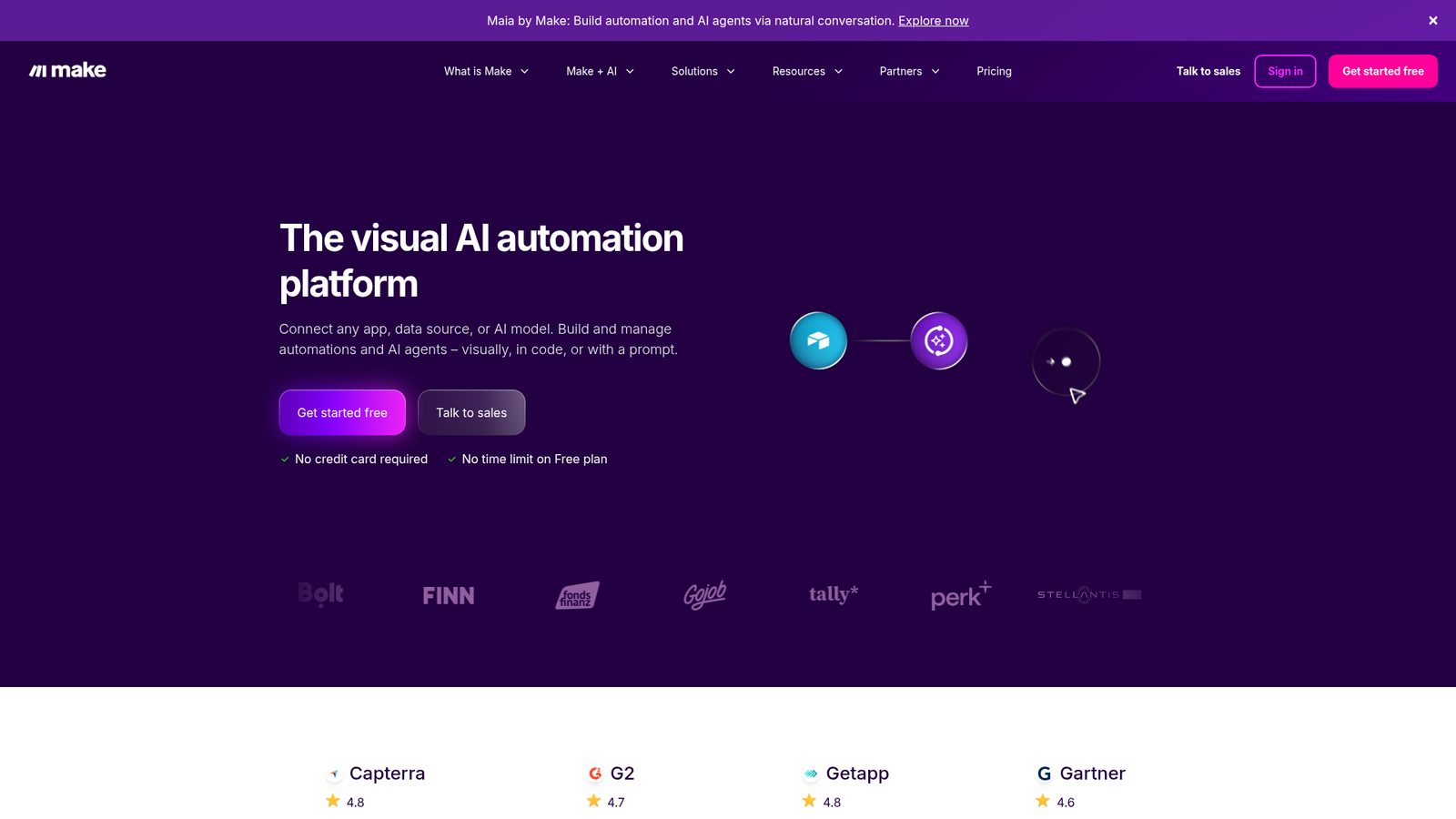
Make (formerly Integromat) is a workflow automation and integration platform. It sits in the no-code/low-code category but leans toward power users — people who need more than a basic “if this, then that” chain. The platform lets you build visual scenarios made of connected modules, where each module represents an action, trigger, filter, or router across thousands of apps. Make pitches itself as an AI automation platform, and recent product updates include AI agents, an AI content extractor, built-in web search, and a conversational builder called Maia. The target audience includes operations teams, marketers, founders, and technical users who want to automate complex processes without writing infrastructure code.
Key Features
Visual Drag-and-Drop Scenario Builder
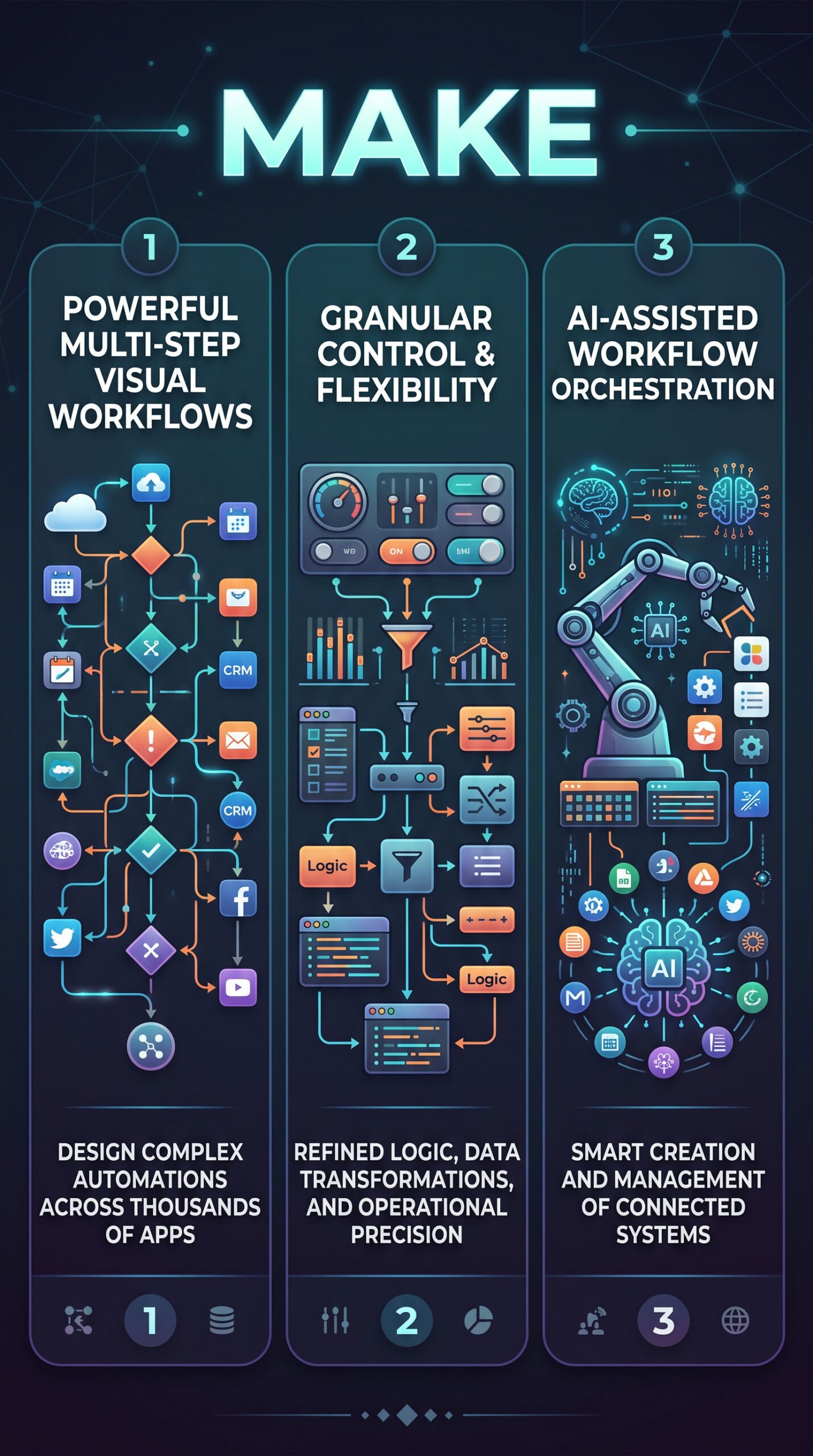
The core of Make is its graphical workflow editor. You drag modules onto a canvas, connect them, configure each step, and watch data flow through the chain. This visual approach makes it easier to understand complex logic at a glance compared to list-based automation tools. The builder supports routers, filters, branching paths, and subscenarios — letting you chain entire workflows together for genuinely intricate business logic.
3,000+ App Integrations
The platform connects to over 3,000 standard apps out of the box. On top of that, paid plans unlock custom apps (connect anything with a public API), and Enterprise adds access to enterprise-grade apps like Workday, ServiceNow, and SAP via an on-premise agent. There are also 350+ AI apps in the ecosystem, which Make uses to position itself in the AI orchestration space.
Scheduling, Monitoring, and Logs
Scenarios can run on schedules down to one-minute intervals on paid plans (the Free plan caps at 15-minute intervals). Real-time execution monitoring lets you watch data move through each module live. Execution logs are stored for 30 days on Core and Pro plans, and 60 days on Enterprise. The Pro plan adds full-text execution log search, which is useful when debugging complex scenarios.
AI Automation Features
Make’s newer features lean into AI. Maia is a conversational builder that lets you describe what you want and generates scenarios. There’s also an AI Content Extractor, built-in AI web search (beta), and Make AI Agents (beta) that work with Make’s own AI provider or your own LLM key. These are available across all plans, including Free.
How Make Works
Scenarios and Modules
A scenario is an automated workflow. Each module inside a scenario performs one action — reading a row from Google Sheets, posting a message to Slack, or updating a CRM record. When the scenario runs, each module execution consumes one credit (previously called an operation). Most actions cost one credit; some advanced AI features cost more. This per-action billing model is the foundation of how Make meters usage.
Triggers and Scheduling
Scenarios start either on a schedule or via an incoming event like a webhook. The platform handles data mapping between steps, applies filters and routers to direct data down different paths, and manages retries and error handling automatically. You don’t need to build API infrastructure — Make does that behind the scenes, so you can focus on what data goes where.
What the Evidence Shows
What the Vendor Claims
Make describes itself as a leading AI automation platform with visual-first workflow design, 3,000+ app connections, GDPR and SOC 2 Type II compliance, and enterprise security controls including SSO and two-factor authentication enforcement. Their pricing page positions the tool as scalable from solo users to large organizations, with no seat-count restrictions on most plans.
What Users Report
User sentiment on review platforms is broadly positive. Recurring praise focuses on the visual builder’s clarity, the breadth of integrations, and how much more affordable Make feels compared to higher-priced enterprise automation tools. The flexibility for complex, multi-path workflows comes up frequently as a standout strength. Criticisms cluster around two themes: the learning curve for new users who aren’t used to thinking in scenario logic, and the way operation-based billing can generate unexpected costs when scenarios run frequently or include many modules per run. These aren’t outlier complaints — they show up consistently enough to be genuine considerations.
How It Stacks Up Against the Category
Make sits in a meaningful middle ground. It’s more expressive than Zapier for complex automations, more accessible than n8n for non-developers, and more affordable than Workato at small-to-medium scale. The trade-off is that this middle position means it’s not the simplest tool and not the cheapest at high volume. For solopreneurs and small teams running moderate automation workloads, the feature-to-price ratio looks genuinely strong based on what the pricing page shows.
Make vs Competitors
Here’s how Make compares to the main alternatives on key features and pricing. For another look at AI-driven workflow tools, check out our Google Flow review and our Reppit AI review.
| Feature | Make | Zapier | n8n |
|---|---|---|---|
| Visual workflow builder | Yes | Partial (list-based) | Yes |
| Free plan | Yes (1,000 credits/mo) | Yes (limited) | Yes (self-hosted) |
| Branching / routers | Yes | Partial | Yes |
| Self-hosting option | No | No | Yes |
| AI agent features | Yes (beta) | Partial | Partial |
| Paid plan starting price | ~$12/mo | Higher | Lower (self-hosted) |
| SOC 2 Type II compliance | Yes | Yes | Yes (cloud) |
Pricing
Make’s pricing is credit-based, not seat-based. The Free plan gives you 1,000 credits per month with up to 2 active scenarios and 15-minute intervals between runs. Core starts at $10.59/month for 10,000 credits (monthly billing), unlocking unlimited active scenarios and 1-minute scheduling. Pro is $18.82/month and adds priority execution and full-text log search. Teams is $34.12/month and adds team roles and shared templates. Extra credits can be purchased in bundles if you run out mid-cycle. Visit Make’s official site for the latest pricing.
| Plan | Monthly price | Annual billing equivalent | Annual price | Annual savings | Monthly credits |
|---|---|---|---|---|---|
| Free | $0 | $0/month | $0 | $0 | 1000 |
| Core | $10.59 | $9/month | $108 | $19.08 | 10 000 |
| Pro | $18.82 | $16/month | $192 | $33.84 | 10 000 |
Pros and Cons
Pros
- Visual scenario builder — genuinely easier to understand complex logic at a glance than list-based tools
- Strong flexibility — branching, filtering, routers, subscenarios, and data transformation in one place
- Broad integration ecosystem — 3,000+ standard apps, plus custom app support on paid plans
- Competitive pricing — credit-based billing can be more economical than per-task competitors at moderate usage levels
- AI features included — Maia, AI agents, and AI toolkit are available across all plans including Free
Cons
- Learning curve — scenario logic, module chaining, and credit management aren’t intuitive for beginners
- No self-hosting — for users who want full data control, n8n is a stronger option here
Who Should Use Make?
Make works well for operations managers and automation enthusiasts who need complex, multi-step workflows across many apps and want visual clarity over what’s happening at each step. Solopreneurs and small teams running moderate automation workloads will find the Core or Pro plan pricing reasonable for what they get. Marketers and founders who are comfortable spending a few hours learning the platform will unlock real productivity gains across CRM, email, data sync, and content workflows.
On the other hand, if you just need a few simple automations and want to get started in minutes without a learning curve, Zapier is honestly the easier entry point. And if you want full control over your infrastructure and data hosting, n8n’s self-hosted option is worth looking at instead. Make also isn’t the right fit if you’re heavily embedded in Microsoft tools — Power Automate will integrate more deeply there. You can learn more about other AI tools we’ve covered in our NotebookLM review.
Make Main Facts
FAQ
What is a credit in Make?
A credit is the billing unit in Make. Each module action your scenario performs — reading a record, creating a row, posting to an app — consumes one credit. Some advanced AI features cost more. Credits reset monthly unless you’re on an annual plan, where unused credits roll over within the 12-month period.
Is Make free to use?
Yes. The Free plan gives you 1,000 credits per month, up to 2 active scenarios, and access to the visual builder and 3,000+ app integrations. It’s limited in run frequency (15-minute minimum intervals) and has a 5MB file size cap, but it’s a real way to explore the platform with no time limit.
How does Make compare to Zapier?
Make is generally more powerful for complex, multi-path workflows and is often more affordable at comparable usage levels. Zapier is simpler and easier to get started with. If you need straightforward automations quickly, Zapier wins on ease. If you need branching logic, data transformation, or complex multi-app orchestration, Make is the stronger choice.
Does Make support AI workflows?
Yes. Make includes AI agents (beta), an AI Content Extractor, AI web search (beta), and a conversational builder called Maia across all plans. You can connect 350+ AI apps in its ecosystem or use your own LLM key for AI agent features.
Final Verdict
Make is a genuinely strong automation platform for anyone who needs more than basic trigger-action workflows. The visual builder is a real advantage when you’re designing complex logic, the integration ecosystem is wide, and the credit-based pricing makes it accessible at small scale. It’s not the tool for someone who wants to automate two things in five minutes — that person should try Zapier. But for anyone building multi-step, data-heavy, cross-app automations, Make is one of the most capable no-code options available. Start on the Free plan, test your scenario logic, watch your credit usage, and upgrade when you need more headroom.
Review Methodology
This review is based on analysis of the vendor’s documentation, pricing pages, and feature set, combined with user reports gathered from public review platforms and community discussions. No hands-on testing was conducted.