
Disclosure: Some of the links on Daily Digital Reviews are affiliate links. This means that if you click on a link and make a purchase, we may earn a small commission — at no extra cost to you.
The AI Assistant Everyone Knows — But Should You Actually Use It?
ChatGPT is probably the most recognized name in AI right now, and this ChatGPT review covers what it actually does, what it costs, and whether it’s worth your time in 2026. The hype around it is massive. That makes honest analysis harder, not easier. So I looked at the vendor’s documentation, public feature breakdowns, and user sentiment across review platforms to cut through the noise and give you a straight picture.
Quick Verdict: ChatGPT is genuinely one of the most versatile AI tools available, covering writing, coding, research, image understanding, and voice in a single product. The free tier is useful, but the best features sit behind paid plans, and outputs still need human verification — the model can and does make mistakes.
Overall Rating: 4.0 / 5 ⭐
Feature depth: 4.5/5 · Ease of use: 4.0/5 · Pricing value: 4.0/5 · Trust signals: 3.5/5
What Is ChatGPT?
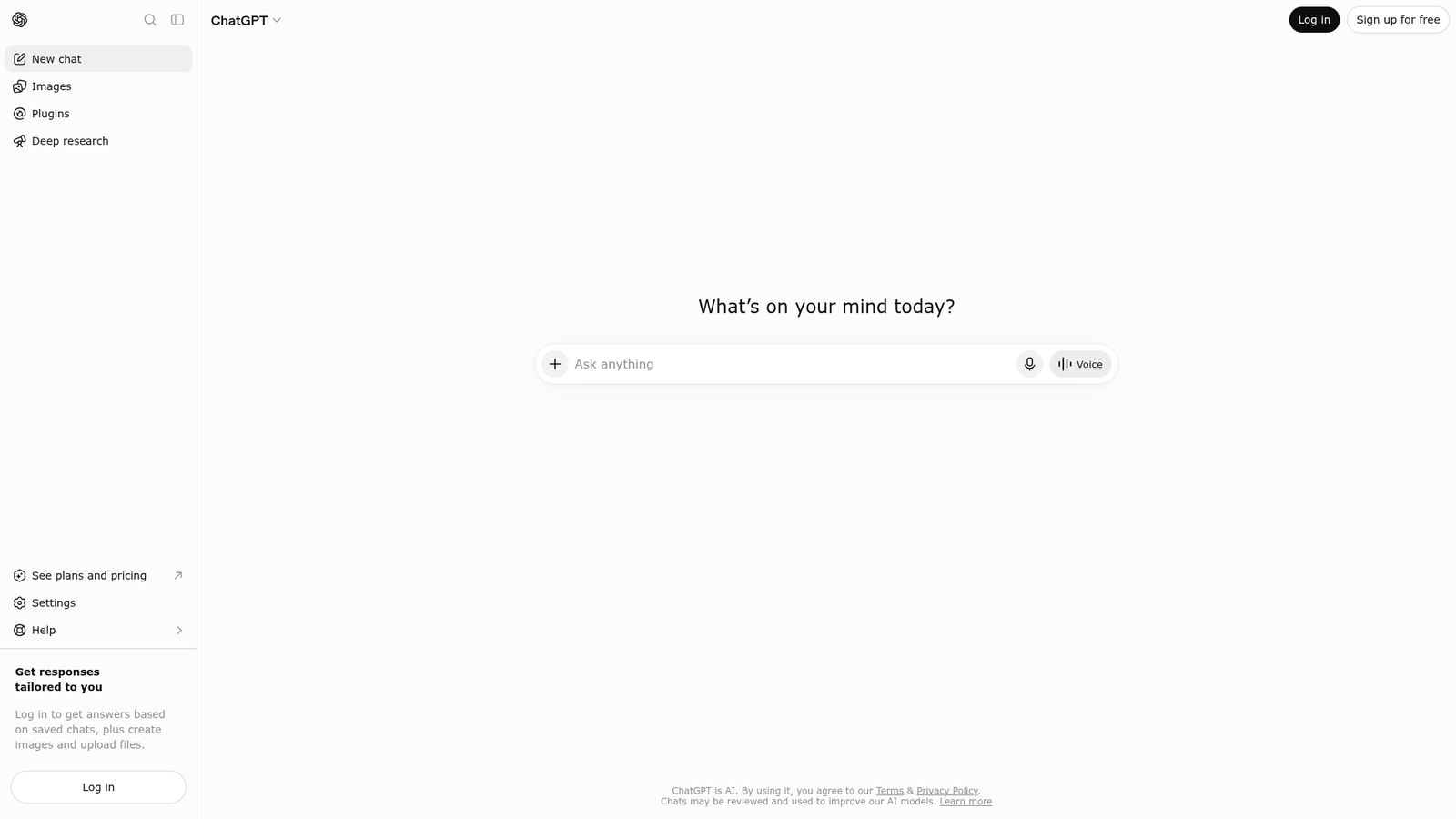
ChatGPT is OpenAI’s conversational AI assistant. It’s built on the GPT family of large language models and designed to handle a wide range of everyday tasks through natural conversation. OpenAI describes it as a model trained to interact in a conversational way, and third-party sources consistently frame it as a general-purpose generative AI tool — not a narrow, single-use product.
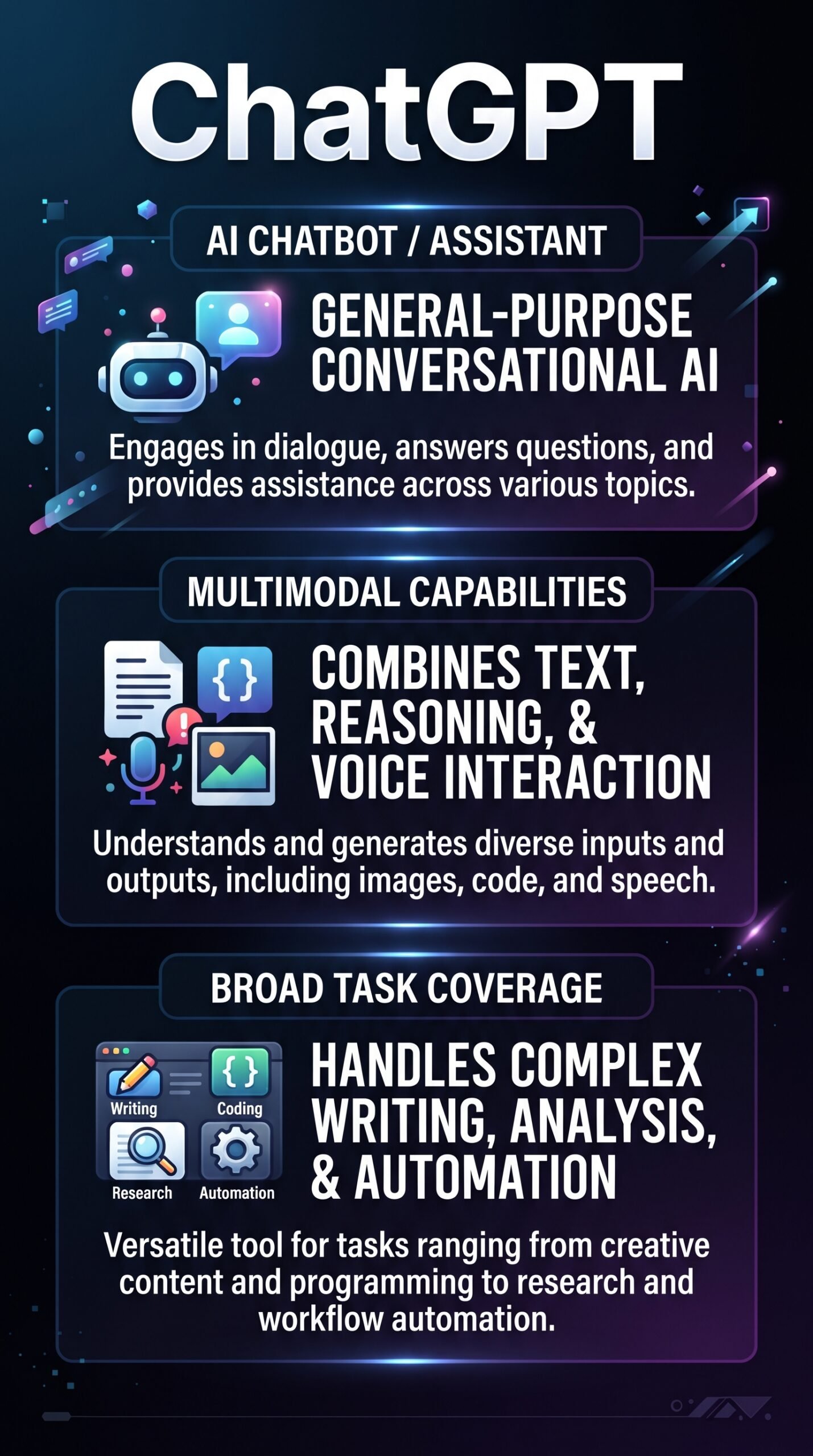
Its target audience is broad by design. Solopreneurs, developers, students, writers, and business teams all use it. The key differentiator isn’t any single feature — it’s the breadth. Writing, coding, analysis, image understanding, voice interaction, and research workflows all live inside one interface rather than being spread across separate tools.
Key Features
Natural-Language Chat and Instruction Following
At its core, ChatGPT takes plain-English prompts and responds in kind. It handles follow-up questions, rewrites, and clarifications within a conversation thread, which makes iterative work — editing a draft, refining code, adjusting tone — much smoother than starting fresh each time. OpenAI’s help documentation lists answering questions, drafting content, summarizing, creative ideation, logical reasoning, and translation as core capabilities.
Multimodal Input and Output
ChatGPT supports text, images, and voice across supported versions. You can upload an image and ask questions about it, generate images, or hold a spoken conversation with the assistant. This puts it well beyond older text-only chatbots and makes it practical for mobile users and anyone who prefers voice interaction over typing.
Advanced Tools and Agent-Like Features
Paid tiers unlock tools including web browsing, code execution, data analysis, image generation, and deep research workflows. Custom GPTs — essentially configured versions of ChatGPT set up for specific tasks — extend it further into semi-automated and workflow-oriented use cases. These features push ChatGPT from “chat assistant” into something closer to a general AI operating layer.
How ChatGPT Works
The Model Layer
ChatGPT runs on OpenAI’s transformer-based large language models. The model predicts and generates responses token by token, drawing on patterns learned during training and the current conversation context. It maintains short-term context within a chat session, meaning it “remembers” what was said earlier in that thread.
Memory and Tool Use
Newer versions support longer-term memory features, letting the model retain preferences across sessions for users who opt in. Beyond pure language, it can invoke tools — browsing for current information, running code, generating images, or triggering agent-like workflows — to complete tasks that go beyond text generation alone. That tool-use capability is what separates the more advanced ChatGPT experience from a simple question-and-answer chatbot.
What the Evidence Shows
What the Vendor Claims
OpenAI positions ChatGPT as a multipurpose assistant for everyday productivity and more complex workflows. Their documentation emphasizes breadth: writing, coding, reasoning, image work, voice, research, and customization through custom GPTs. They describe the product as useful for everything from quick answers to longer research briefs and data analysis tasks.
What Users Report
User sentiment is generally positive. Review-style sources and public commentary praise its natural-language interface, context handling across a conversation, and its usefulness for writing, summarization, and coding help. The criticisms that come up most consistently are that responses can be incorrect or overconfident, that some of the best features are locked behind paid tiers, and that the product is hard to evaluate consistently because OpenAI ships changes frequently. The hallucination problem — where the model produces plausible-sounding but wrong information — is the most common complaint in professional contexts.
How It Stacks Up Against the Category
Most AI chat competitors specialize. Claude is known for strong writing and long-context work. Google Gemini leans into Google ecosystem integration. Perplexity focuses on search-style answer synthesis. ChatGPT’s analytical advantage is that it tries to cover all of these categories in one product — and largely succeeds at a generalist level, even if a specialist tool may outperform it on a narrow task.
ChatGPT vs Competitors
| Feature | ChatGPT | Claude | Google Gemini |
|---|---|---|---|
| Free tier | Yes | Yes | Yes |
| Voice interaction | Yes | Yes | Yes |
| Image generation | Yes (paid) | No | Yes |
| Code execution / data analysis | Yes (paid) | Yes (paid) | Partial |
| Custom configurations | Yes (Custom GPTs) | Yes (Projects) | Partial |
| Web search / browsing | Yes | Yes | Yes |
ChatGPT Pricing
OpenAI offers a free tier with access to core chat capabilities and some advanced tools. Paid plans — Plus, Pro, Team, and Enterprise — unlock higher usage limits, more advanced features, and priority access. Public sources confirm that deeper research tools, advanced data analysis, and some newer capabilities are bundled into higher-tier plans. Because OpenAI updates its pricing and plan details frequently, the best move is to check current pricing directly on ChatGPT’s official website before you commit.
| Plan | Monthly price | Key features / limits |
|---|---|---|
| Free | $0 | Basic message limits (10 msgs/5 hrs) |
| Go | $8 | Higher usage (10×), GPT‑5.3 Instant, no Deep Research |
| Plus | $20 | GPT‑5.5, Deep Research (10/mo), Sora, Codex, Agent Mode |
| Pro (Standard) | $100 | GPT‑5.5 + GPT‑5.5 Pro, 5× Plus limits, more Codex usage |
| Pro (Max) | $200 | GPT‑5.5 Pro, 20× Plus limits, 1M‑token context |
Pros and Cons
Pros
- Extremely broad feature set — writing, coding, analysis, image understanding, voice, and research in one tool
- Strong conversational UX — handles follow-ups, rewrites, and iterative tasks naturally
- Multimodal — supports text, images, and voice across supported versions
- Custom GPTs and agent features — extends the product into configurable, semi-automated workflows
- Usable free tier — genuinely functional without paying, which is not true of all competitors
Cons
- Outputs need verification — the model can produce confident-sounding but incorrect or hallucinated responses
- Best features are paywalled — advanced tools, higher limits, and newer capabilities require a paid plan
- Hard to evaluate consistently — OpenAI ships changes fast, so comparisons quickly go out of date
Who Should Use ChatGPT?
ChatGPT works well for solopreneurs and freelancers who need one tool that can shift between tasks — drafting an email, explaining a piece of code, summarizing a document, generating an image brief — without switching apps. It’s also a good fit for learners and researchers who want an interactive assistant for working through complex topics or generating structured outlines.
Developers will find the code explanation and execution features useful, though dedicated coding tools may be faster for pure development workflows. Teams who need collaboration features and higher usage limits should look at the Team or Enterprise tiers.
If your work is very specialized — say, you only need search-style answers with citations, or you’re entirely embedded in Google Workspace — a more focused tool like Perplexity or Google Gemini might be a better fit. And if long-form writing quality is the single most important factor, some users report Claude performs better for that specific task.
ChatGPT Main Facts
FAQ
Is ChatGPT free to use?
Yes, OpenAI offers a free tier with access to core chat features and some advanced tools. Advanced capabilities, higher usage limits, and newer features are tied to paid plans such as Plus, Pro, Team, and Enterprise.
Can ChatGPT generate images?
Yes. Image generation is available within ChatGPT, though access to this feature is typically bundled with paid tiers. The model can also understand and analyze images you upload, across supported versions.
Does ChatGPT have a memory feature?
Newer versions of ChatGPT include optional memory features that allow the model to retain user preferences across sessions. This is different from the within-session context that all versions maintain.
How accurate is ChatGPT?
ChatGPT is useful for a wide range of tasks, but it’s not infallible. A consistent theme in user reviews and public commentary is that it can produce plausible but incorrect answers — especially for factual or technical queries. Treating its outputs as a starting point that needs human review, rather than a definitive source, is the recommended approach.
Final Verdict
After reviewing the vendor’s documentation, feature set, and user sentiment, ChatGPT is the closest thing the market has to a genuinely general-purpose AI assistant. Its breadth is real — not just marketing language. You can move from a writing task to a data analysis question to an image prompt without leaving the interface, and that matters for people who don’t want five separate subscriptions.
The weaknesses are also real. Outputs require verification, the best features cost money, and the product changes quickly enough that any review has a shelf life. But for solopreneurs who want a capable, flexible AI tool and are willing to stay critical of what it produces, ChatGPT is a strong default choice in 2026.
Review Methodology
This review is based on analysis of OpenAI’s official documentation, pricing pages, and published feature set, combined with user reports and commentary gathered from public review sources, forum discussions, and independent feature breakdowns cited in the research data.