Disclosure: Some of the links on Daily Digital Reviews are affiliate links. This means that if you click on a link and make a purchase, we may earn a small commission — at no extra cost to you.
What Is Claude Really Offering in 2026?
Claude, Anthropic’s AI assistant, has grown into something a lot bigger than a chatbot — and that’s both its strength and its complication. If you’re evaluating Claude for writing, research, or structured work tasks, you’re asking the right questions. I reviewed the vendor’s documentation, pricing pages, and available user feedback to give you a clear picture of what this platform actually delivers today.
Claude sits in a crowded category alongside ChatGPT, Gemini, and others, but it’s built around a specific idea: that safety-oriented reasoning and high-quality work output matter more than novelty features. Whether that trade-off is right for you depends on what you actually need.
Quick Verdict: Claude is a genuinely capable AI work assistant with strong reasoning, excellent writing quality, and a growing set of workflow tools like Projects and Artifacts. It’s a serious productivity platform — but no native image generation and a fragmented product ecosystem mean it’s not the right fit for everyone.
Overall Rating: 4.4 / 5 ⭐
Feature depth: 4.5/5 · Ease of use: 4.0/5 · Pricing value: 4.5/5 · Trust signals: 4.5/5
What Is Claude?
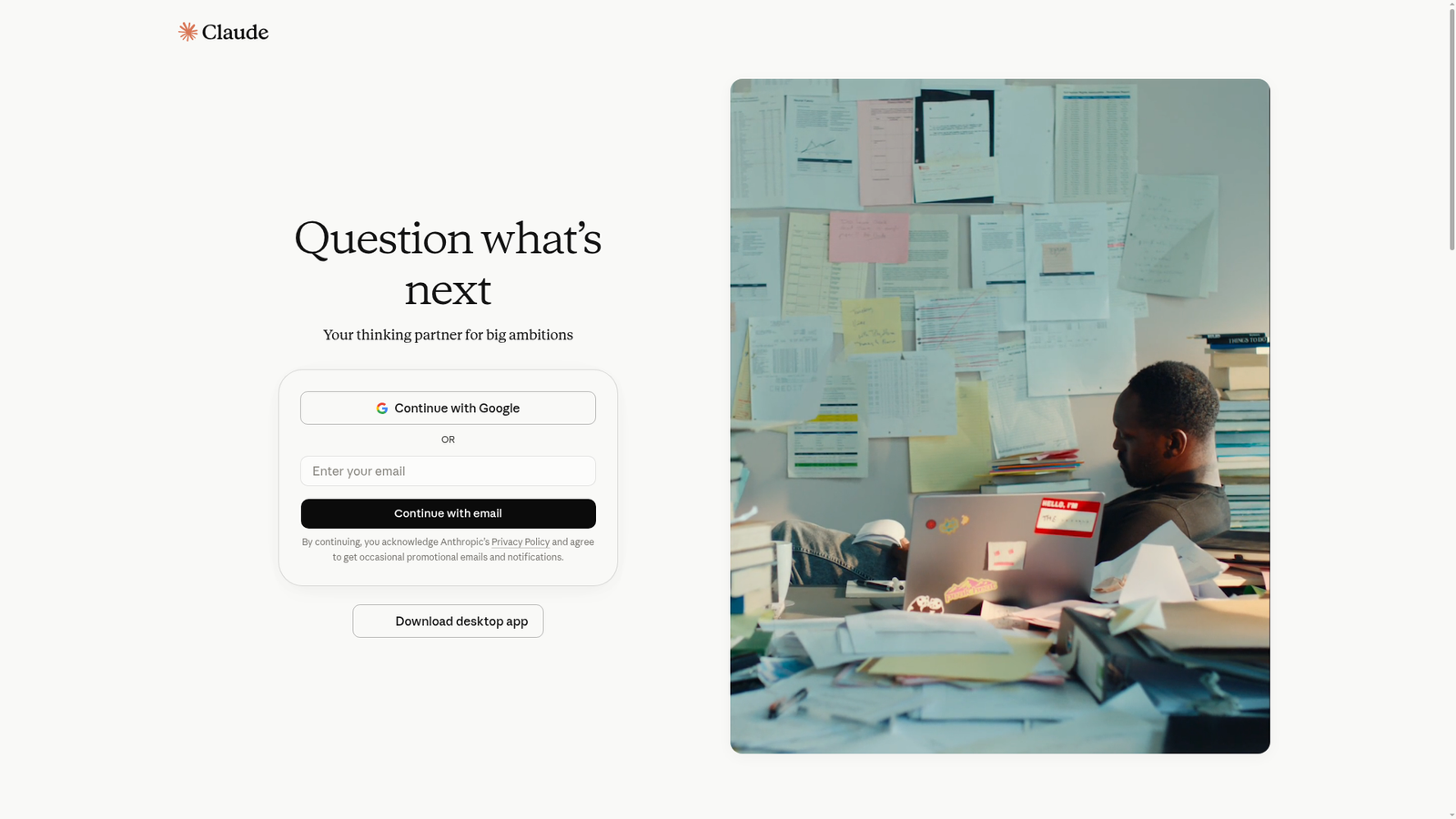
Claude is the AI assistant and model family built by Anthropic, a safety-focused AI company. It’s designed as a general-purpose productivity and reasoning platform — not just a chat tool. The product spans web, iOS, Android, and desktop apps, plus a developer API with separately metered token-based pricing.
Anthropic positions Claude around safety, steerability, and deep reasoning. In practice, that shapes an assistant that’s especially well-suited for writing, analysis, research, and structured task workflows. If you’re looking for something that helps you produce actual work output rather than just answer questions, that’s the core pitch here.
Key Features
Projects
Projects create persistent workspaces where you can store files, set custom instructions, and keep ongoing work organized across sessions. Instead of re-explaining your context every time you start a new chat, Projects remember it. User reports highlight this as one of Claude’s most practical differentiators — it reduces repetitive setup and keeps long-running work coherent.
Artifacts
Artifacts are side-panel outputs that Claude renders as usable deliverables — documents, charts, dashboards, calculators, and even small interactive applications. This is the feature that moves Claude from “chatbot that talks” to “workbench that produces.” Reviewers specifically praise Artifacts for closing the gap between brainstorming and execution, giving you something you can actually share or reuse.
Web Search and Research Workflows
Claude includes web search and research-oriented capabilities with citations, available even on the free tier according to Anthropic’s pricing page. This gives it some overlap with tools like Perplexity, though Claude’s research features appear as one part of a broader productivity platform rather than the main focus.
Tool Use and Computer Use
Anthropic’s documentation describes advanced tool-use features including tool search for dynamically discovering tools, and computer use — where Claude can interact with desktop environments through screenshots, mouse actions, and keyboard input. These automation-oriented capabilities go well beyond standard chatbot behavior, though they’re more relevant to developers and power users than to casual users.
Developer and Enterprise Tooling
Beyond consumer chat, Claude offers a full developer API, connectors for integrating external tools and services, remote MCP support, Claude Code for coding workflows, and enterprise-tier controls including compliance and admin management. Anthropic also lists industry-specific product surfaces for legal, healthcare, government, and financial services use cases.
How Claude Works
The Core Model Layer
At the base level, Claude generates responses by predicting text from the context you give it. The current model family includes named tiers — Haiku, Sonnet, Opus, Fable, and Mythos — which suggests a range from lighter, faster models to more capable ones, though exact capability differences aren’t fully detailed in the available materials.
The Product Layer
On top of the model sits a product orchestration layer. Projects scope the context to a specific workspace. Artifacts render structured outputs in a side panel rather than plain chat text. Tool use lets the assistant reach outside the conversation to external apps or desktop interfaces when permissions allow. According to Anthropic’s documentation, this layered design is what makes Claude effective for long-form writing, analysis, coding support, and automation — not just Q&A.
Access Points
You can reach Claude through the web app at claude.ai, the iOS and Android apps, desktop apps, and — for developers — the API via the Anthropic platform console. Some features like Claude Cowork, Claude Code, and Claude Design are listed as Pro-tier inclusions on the pricing page.
What the Evidence Shows
What the Vendor Claims
Anthropic describes Claude as a thinking partner for “big ambitions,” emphasizing reasoning, writing, code generation, and workflow automation. Their pricing page frames the free tier as genuinely useful — including web search, memory, file creation, and connectors — while Pro and Max unlock more usage, additional models, and workflow tools like Research and Claude Code.
What Users Report
User sentiment in the available materials skews positive. Reviewers highlight Claude’s writing quality, its ability to manage complex context, and how Projects and Artifacts turn a conversation into a reusable work product. The ability to build interactive deliverables — not just blocks of text — comes up repeatedly as a genuine strength. On the downside, multiple reviewers flag the absence of native image generation as a real gap versus ChatGPT or Gemini. Some users also find the product harder to navigate now that Claude spans chat, code, cowork/agent-style workflows, and developer APIs — it’s no longer obvious which surface to use for what.
How It Stacks Up Against the Category
Claude’s feature set is competitive at the top of the AI assistant category. Its long-context handling and project-based workflows go beyond what most general chatbots offer. But the lack of native image generation is a real functional gap, and the growing product complexity could put off users who want something simple. For writing and analysis specifically, it looks stronger than most; for visual or multimodal work, it falls behind.
Claude vs Competitors
Here’s a quick comparison of Claude against the main alternatives across features that matter for productivity-focused users. For a deeper look at alternatives, see our DeepSeek review, and Gemini review.
| Feature | Claude | ChatGPT | Gemini |
|---|---|---|---|
| Native image generation | No | Yes | Yes |
| Persistent project workspaces | Yes | Partial | Partial |
| Interactive Artifacts / outputs | Yes | Partial | Partial |
| Web search (free tier) | Yes | Yes | Yes |
| Computer use / automation | Yes (API/advanced) | Partial | Partial |
| Starting price (consumer) | Free / $20/mo Pro | Free / ~$20/mo Plus | Free / ~$20/mo Advanced |
Pricing
Claude’s pricing page lists three consumer tiers. The Free plan covers web, iOS, Android, and desktop access, with memory, web search, file creation, and connectors included. Pro costs $17 per month on an annual subscription ($200 billed upfront) or $20 month-to-month, and adds Claude Code, Claude Cowork, unlimited Projects, Research access, and more model options. Max starts at $100 per month and gives 5x to 20x more usage than Pro, plus priority access during high-traffic times. Team and Enterprise plans add organization controls and compliance features. Developer API usage is billed separately by token volume through Anthropic’s console.
| Plan | Monthly price | Key features / limits |
|---|---|---|
| Free | $0 | Basic chat with message limits, no CLI/Code, no advanced tools |
| Pro | $20 | Sonnet 4.6 + Opus 4.7, 10–40 prompts/5hr, full Claude Code & Cowork |
| Max 5x | $100 | Same models as Pro, 5× Pro usage/5hr, priority access |
| Max 20x | $200 | 20× Pro usage, up to 800 prompts/5hr |
Pros and Cons
Pros
- Strong reasoning and writing quality, consistently praised in user reports
- Projects create persistent workspaces that make long-running work practical
- Artifacts turn outputs into interactive, shareable deliverables — not just chat text
- Web search and research features available even on the free tier
- Advanced tool use and computer use capabilities for developers and power users
- Broad enterprise and developer tooling with API, connectors, and compliance options
Cons
- No native image generation — a real gap if visual workflows matter to you
- Feature availability varies across plans and product surfaces, which can be confusing
- The product ecosystem has grown complex, spanning chat, code, cowork, and API modes that aren’t always easy to navigate
Who Should Use Claude?
Claude works well for writers and content creators who need a high-quality drafting and editing partner that can hold complex context across a project. It’s also strong for researchers and analysts who want to process documents, summarize findings, and produce structured outputs they can actually use. Developers and technical teams benefit from Claude Code, computer use, and the full API ecosystem. And business and enterprise teams get a platform with proper compliance, admin controls, and integrations with tools like Slack and Microsoft 365.
If you mainly need image generation, Claude isn’t your tool — ChatGPT or Gemini are better choices. If you want a simple, focused search assistant rather than a productivity workbench, Perplexity might fit better. And if you find multi-surface product complexity frustrating, Claude’s growing feature set could feel like more than you need.
Claude Main Facts
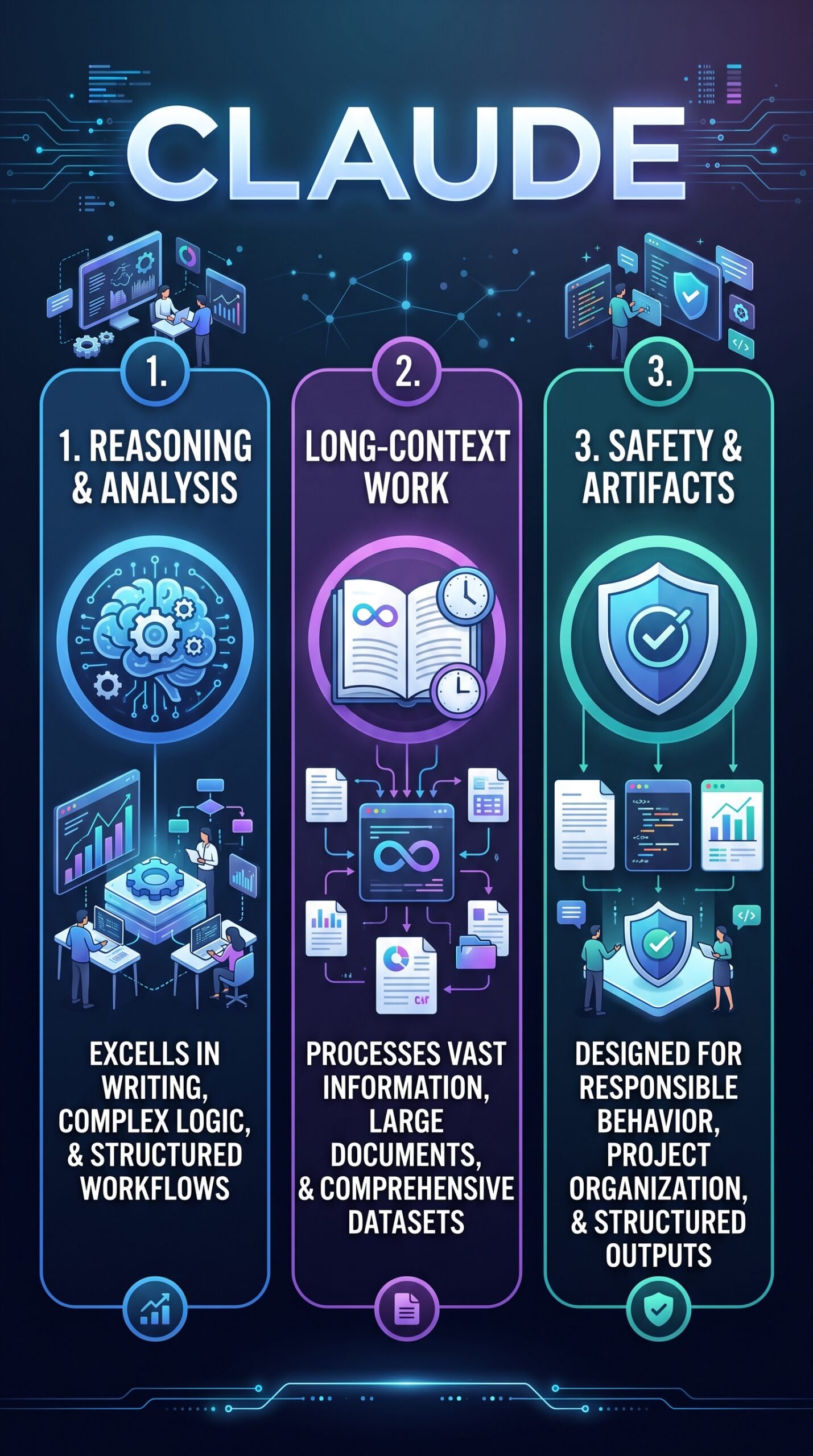
Frequently Asked Questions
Is Claude free to use?
Yes. Claude has a free tier that includes web, iOS, Android, and desktop access, plus memory, web search, file creation, and connector support. The free plan is genuinely functional, though the Pro plan at $17–$20 per month unlocks more usage and advanced workflow features like Projects and Claude Code.
Does Claude generate images?
No. Multiple reviews note that Claude does not natively generate images. If image creation is central to your workflow, ChatGPT or Gemini are better-suited alternatives.
What are Claude’s Projects and Artifacts?
Projects are persistent workspaces that store files, custom instructions, and conversation history so you don’t start from scratch every session. Artifacts are side-panel outputs — documents, charts, dashboards, or small apps — that Claude renders as usable deliverables rather than plain text responses.
How does Claude compare to ChatGPT?
Both are strong general-purpose AI assistants. Claude is generally seen as stronger for writing, analysis, and structured work output, while ChatGPT has an edge in image generation and broader consumer multimodal features. Pricing is comparable at the consumer level. The right choice depends on your primary use case.
Final Verdict
Claude is a serious AI work assistant in 2026. Its writing quality, reasoning depth, Projects system, and Artifacts feature genuinely set it apart from simpler chatbots. The free tier is more capable than most competitors offer at that price, and the Pro plan at $17–$20 per month is competitive given what it unlocks.
The caveats are real though. No native image generation is a meaningful gap. And the product has grown complex — between chat, Claude Code, Claude Cowork, Claude Design, and the developer API, it’s not always obvious which surface you should be using. If you’re a writer, analyst, researcher, or developer who wants an AI that helps produce structured, reusable work, Claude is worth trying. If you need images or just want something simple, look elsewhere.
Visit claude.ai to explore the free tier before committing to a paid plan.
For a broader look at AI tools worth considering, check out our Tycoon AI review and Krible AI review.
Review Methodology
This review is based on analysis of Anthropic’s official documentation, pricing pages, and product feature descriptions, combined with user reports and third-party coverage gathered from published reviews and commentary about Claude’s platform and capabilities in 2026. This is desk research, not hands-on testing.